

Track your worksites and locate your missions on a map
Your activities and your contacts
From map to directions
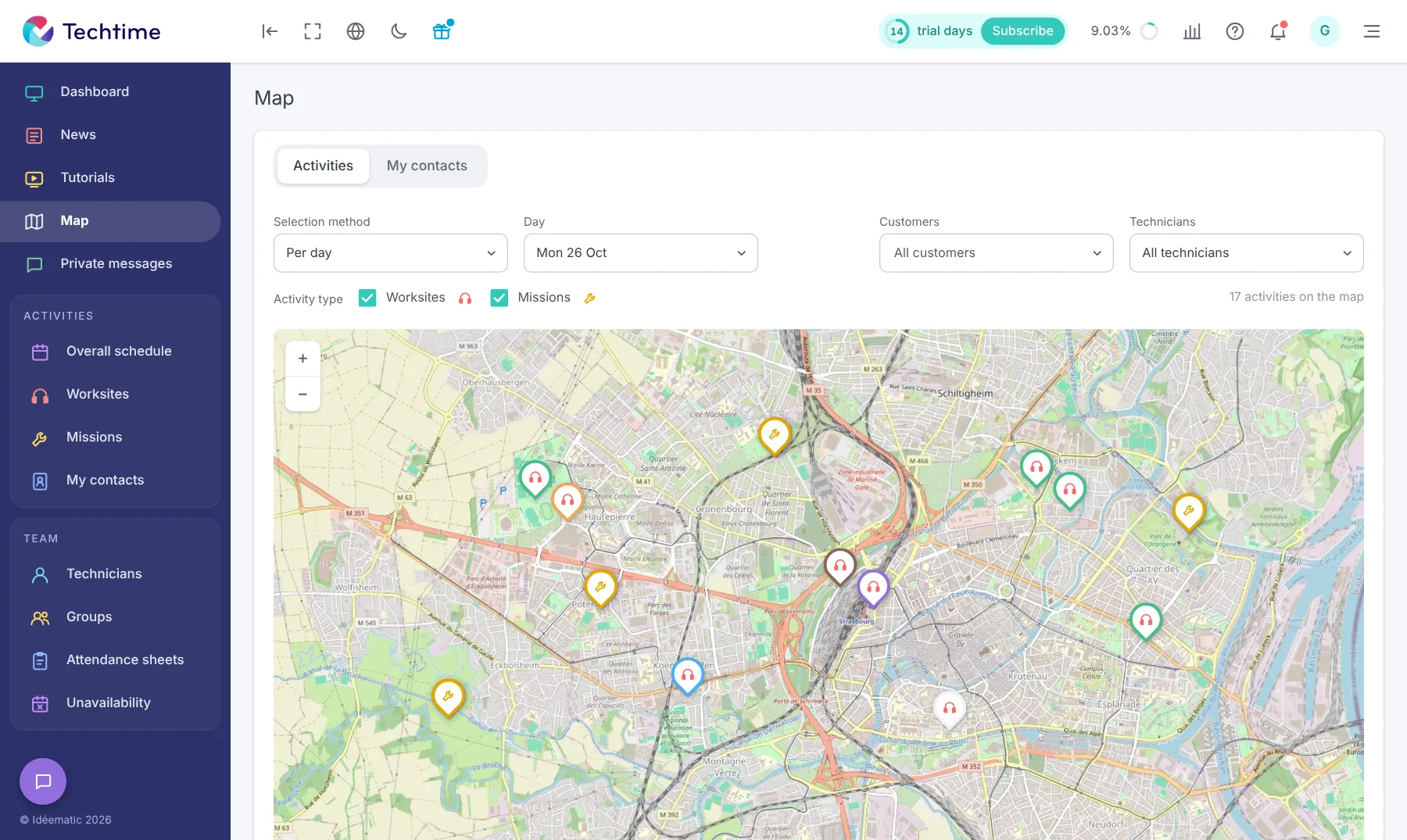
- 1“Activities” tabplaces by day or period
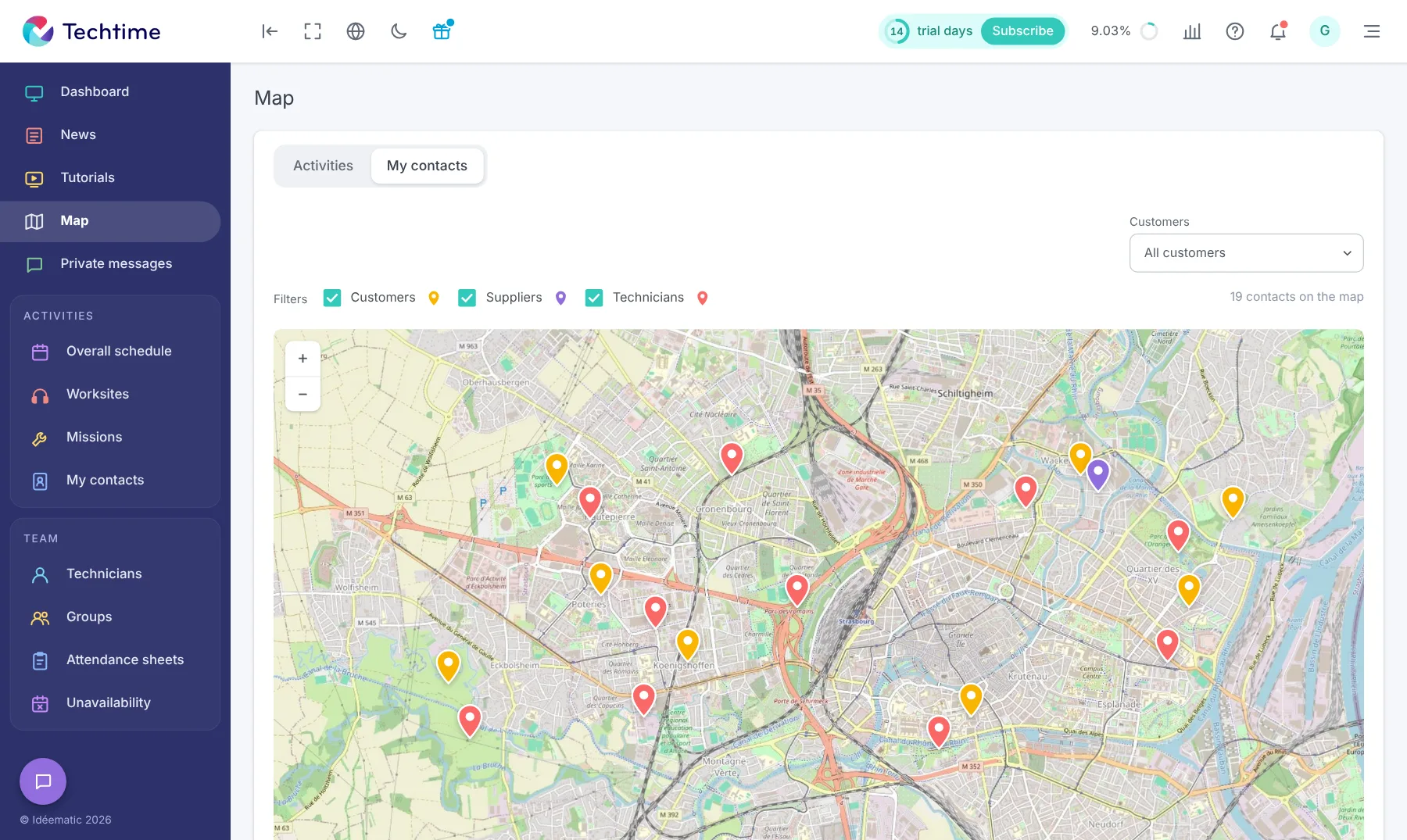
- 2“My contacts” tabcustomers, prospects, suppliers
- 3Filtersthe information to display
- 4DirectionsGoogle Maps or Apple Maps in one click
Locate your missions on a map
The map shows the location of a number of indicators that matter for running your business.
The “Activities” tab shows the locations of your worksite and mission activities by day or period. You can then plan your journeys and optimise where your tradespeople and technicians are positioned.
The “My contacts” tab shows all your contacts on the map, whether customers, prospects or suppliers.
In both cases, filters let you select the information you want to display.
The location of your activities is also available from the overall schedule: when you click an activity, its address is geocoded and shown directly on the map.
From the mobile app, a single tap on an address opens Google Maps or Apple Maps so the technician can work out their route to the customer if needed.
Sign up in under 47 seconds
No commitment, and you gain your superpowers: 14 days to try Techtime with your teams.



