

Mission management
Construction mission scheduling software to organise your teams
Plan and track your missions day to day
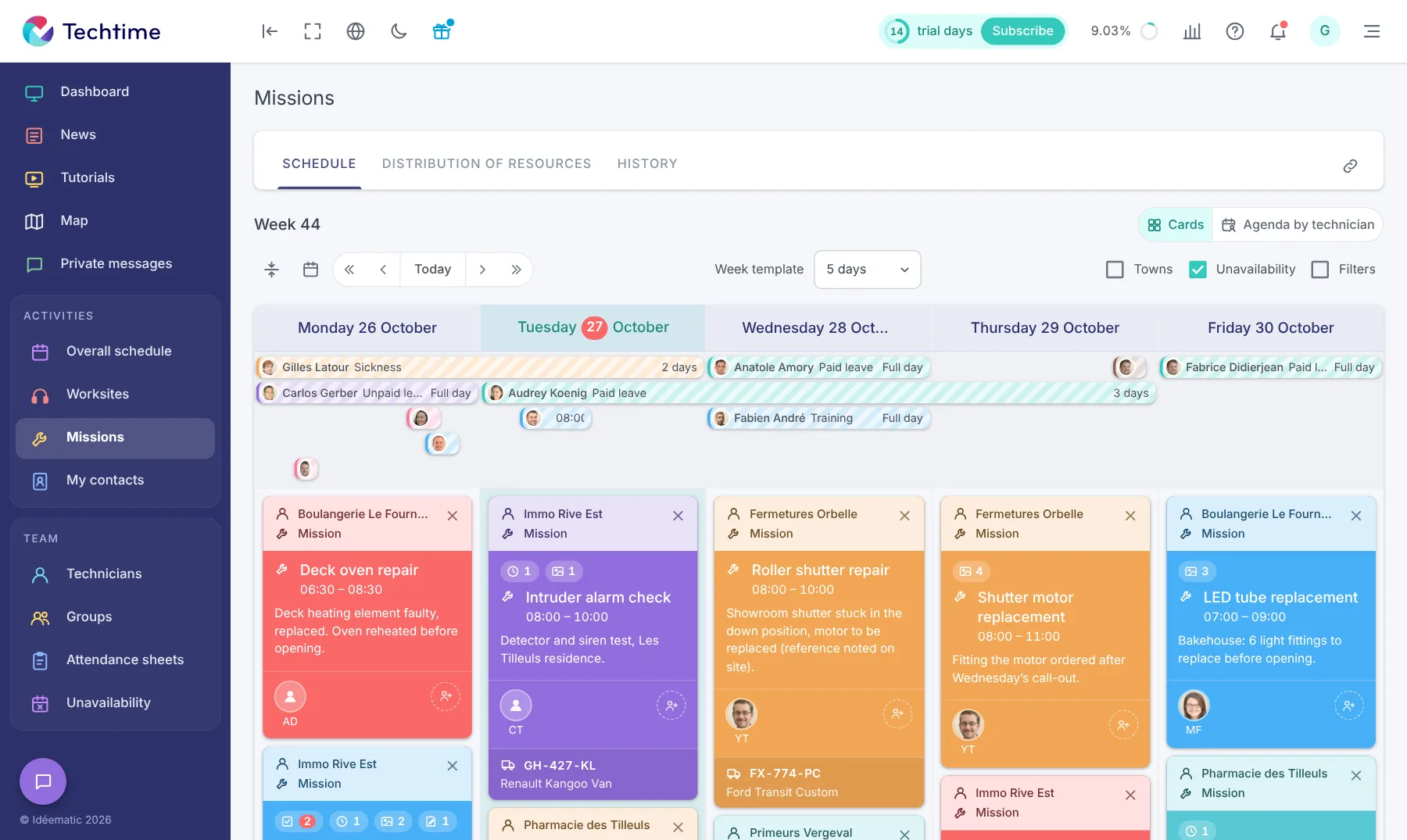
The life of a mission
From creation to tracking, everything stays in Techtime
- 1Creationfrom the web or mobile
- 2Assignmentof technicians
- 3Preparationdocuments and customer details
- 4Executionin the field
- 5Trackingtime scheduled and budget
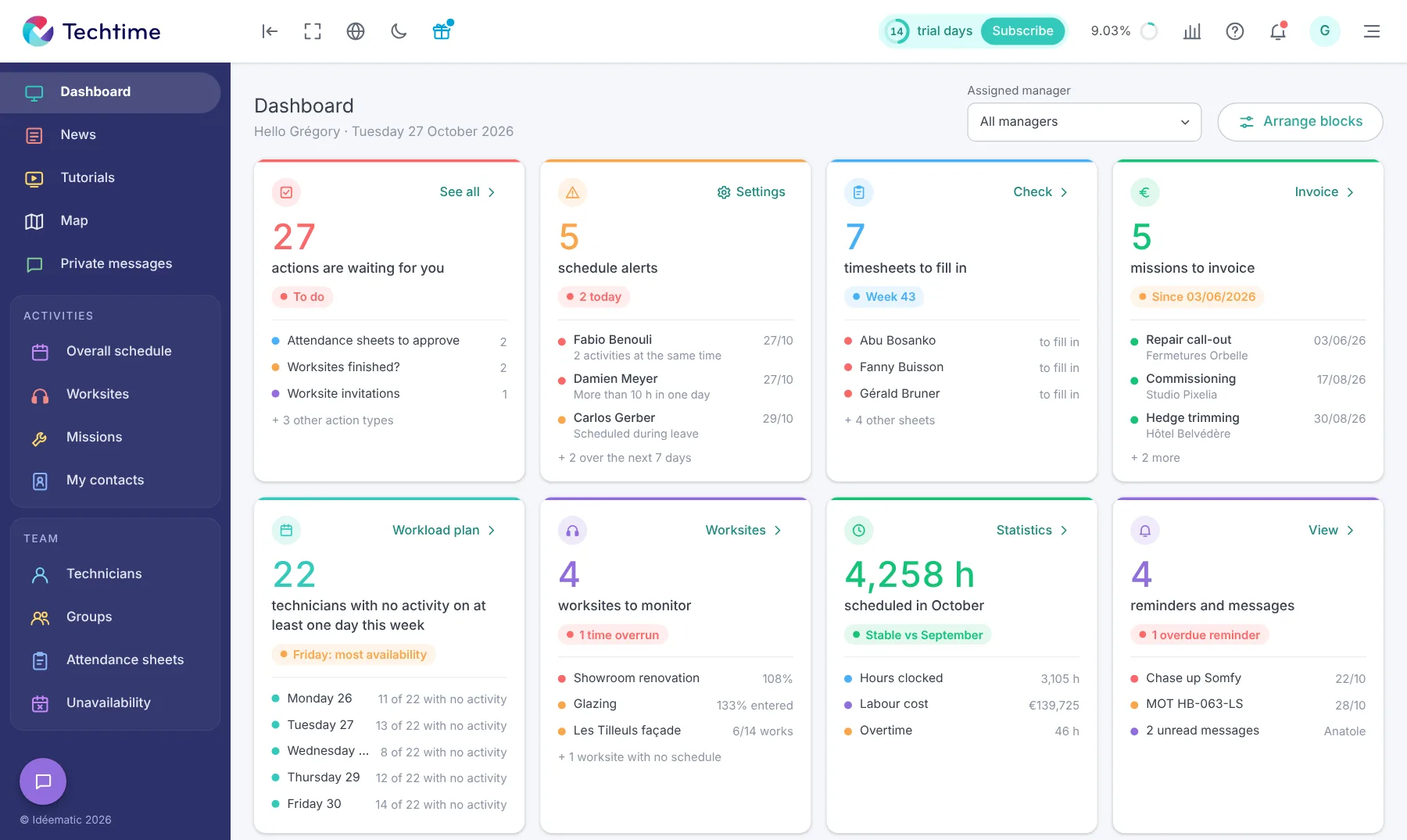
Track your teams’ activity in real time
With Techtime, plan the missions to be carried out, assign the technicians involved and centralise the information they need before heading out. Each mission brings together everything needed to prepare the work and track its progress:
- Useful documents: plans, photos and files linked to the mission.
- Customer information: contact details and what is needed for the mission.
- Time scheduled: the number of hours planned for the activity.
- Budget: the amount planned for the mission.
- Participants: the technicians and staff assigned to the activity.
Missions can be created from the Techtime web app or directly by technicians from the mobile app. For each mission, you can add a vehicle, the equipment needed and useful information for the team before it heads out.
Free trial
Sign up in under 47 seconds
No commitment, and you gain your superpowers: 14 days to try Techtime with your teams.



