The plans needed for installation
Add the plans and documents needed for the job to the activities. The teams concerned can view them on their phone when they are on site.
Plan your teams from workshop to installation, pass on the plans and instructions they need and track every stage of the worksite with Techtime.
Techtime is not meant to replace your timber frame drawing, calculation or design software. It covers another part of your business: organising teams and tracking the work, from preparation to installation on site.
Centralise schedules, instructions, the plans needed for the job and the information from the field so that the workshop, the works manager and the installation teams all have the same information.
Workshop preparation, delivery, lifting, assembly or a return visit for finishing: one worksite can involve your teams at different stages.
With Techtime, plan these missions, assign the staff involved and pass on the information needed for each visit from a centralised schedule.
A timber framing worksite is not just the day of installation. Workshop preparation, delivery, lifting, assembly and finishing may involve different teams at specific times.
In Techtime, create the activities matching these stages and assign the staff involved. You can distinguish what needs to be prepared in the workshop from what needs to be done on site.
For each activity, add the information the team needs for its visit: address, times, instructions, plans or documents needed for the job.
If delivery is postponed or the worksite is not ready for lifting, change the relevant dates in the schedule and reorganise assignments without losing sight of the other worksites already planned.
Teams then find their schedule and the useful information on their phone before their mission.
Between workshop preparation and installation, your teams need to find the right documents and instructions for their job quickly. Techtime centralises this information with each worksite activity.
Add the plans and documents needed for the job to the activities. The teams concerned can view them on their phone when they are on site.
Specify what needs to be prepared, delivered, assembled or finished for each visit. Instructions stay linked to the relevant activity and no longer depend solely on verbal exchanges.
Add photos from the field to document a completed stage, flag a difficulty or prepare additional work.
A component is missing, a delivery changes or an instruction needs clarifying? Information sent back from the worksite gives the manager clearer context to organise what comes next.
Staff can enter their time on the activities they are assigned to. You can distinguish the hours spent on preparation, installation or finishing when these are organised separately in Techtime.
Installing a timber frame often depends on the progress of other work: masonry finished, site access available, lifting prepared or roofing to follow. When several companies use Techtime on the same project, each keeps its own environment while accessing the shared worksite information.
View the information shared by other authorised participants before scheduling installation. A report, a photo or a schedule change can help you check that the worksite is ready before mobilising your carpenters.
You can then adapt your own activities and assignments without mixing your company’s internal organisation with that of the other participants.
Once a stage is finished, add the photos, documents or information needed for the rest of the worksite. Authorised companies get a more precise picture of the work done before their own visit.
This makes it easier to move from timber frame to roofing and other trades, while each company manages its teams in its own Techtime account.
Discover worksite sharing between companies.
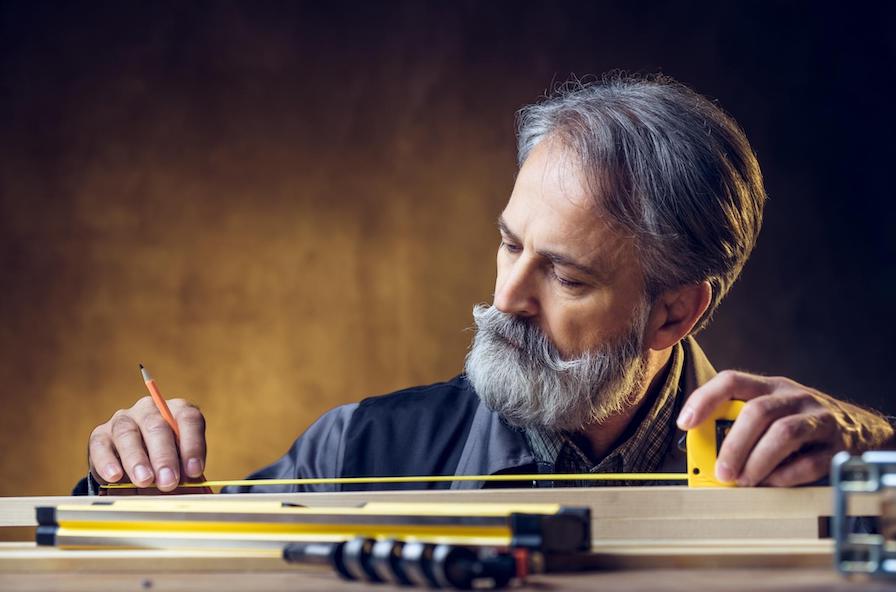
One project may involve your carpenters several times: workshop preparation, loading, installation, assembly and then finishing.
When these stages are organised as separate activities in Techtime, staff can enter their hours on each one. You can separate the time spent on preparation from the time actually spent on site.
This data then makes it easier to compare scheduled time with the time reported by your teams.
Discover construction attendance sheet management.
Techtime does not replace your timber frame calculation, CAD, quantity surveying or quoting and invoicing software. It works after or alongside these tools to organise teams and track how the work is carried out.
You can keep designing your structures in your trade software, then use Techtime to plan preparation, delivery and installation.
If some information needs to flow between Techtime and your software environment, a connection or specific adaptation can be considered depending on the technical possibilities of the tools concerned.
Discover the options for adding custom features.
Techtime does not calculate your timber frame: it organises the teams, stages and information needed to build it on site.
A timber framing company must coordinate what is prepared in the office, what is done in the workshop and what actually happens on site. Techtime links these stages in a single operational tracking system.
From the schedule, organise upcoming activities and assign the staff involved. Add the information needed for each mission: address, times, instructions, plans and useful documents.
If a worksite falls behind or a delivery is postponed, adjust dates and assignments without losing sight of the other work already planned.
Discover our construction scheduling software.
On their phone, teams find their schedule and the information linked to their activities. They can view documents, add photos, send comments and enter their hours.
The manager has information straight from the field to track progress and prepare the next stages of the worksite.
Discover the construction worksite tracking app.
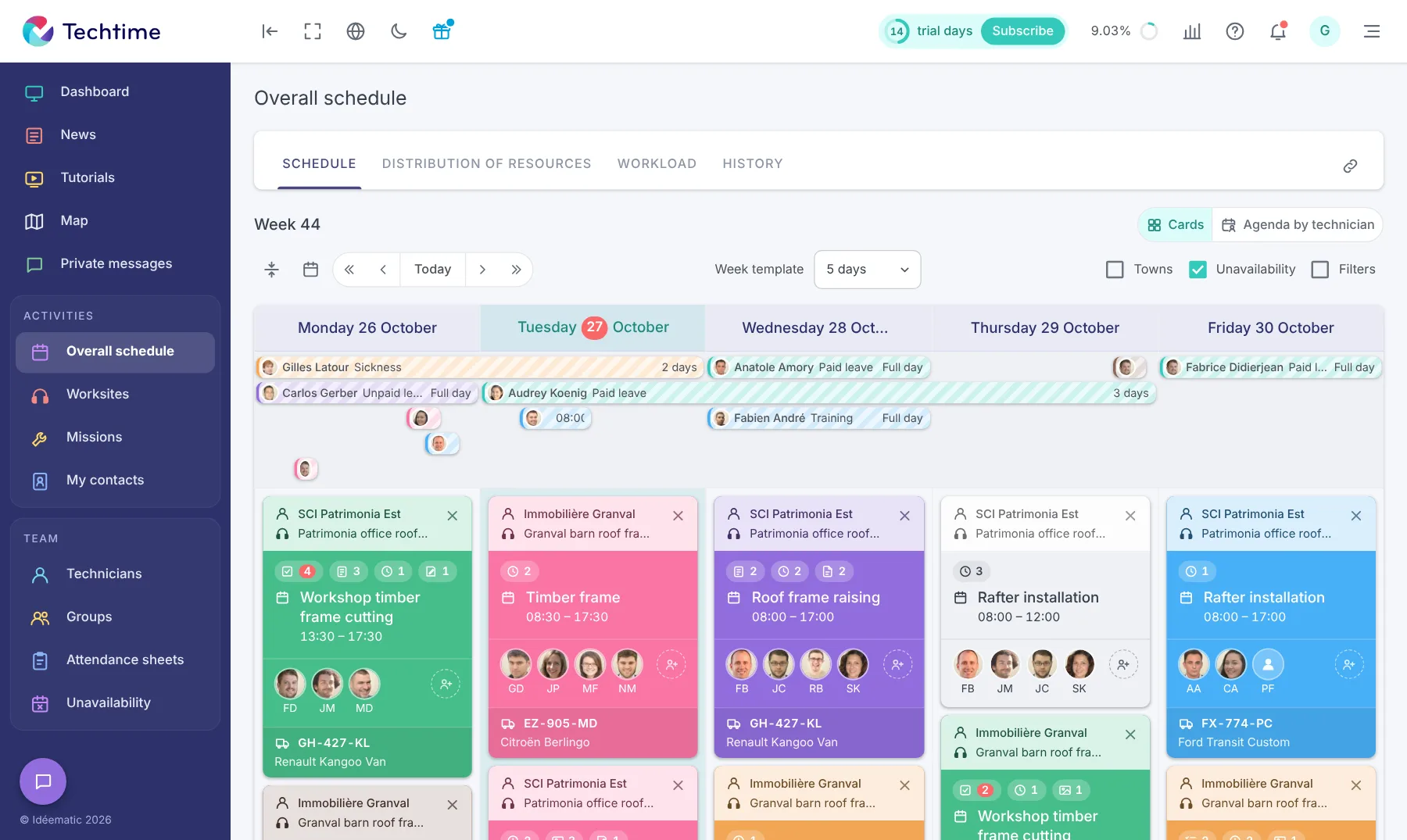
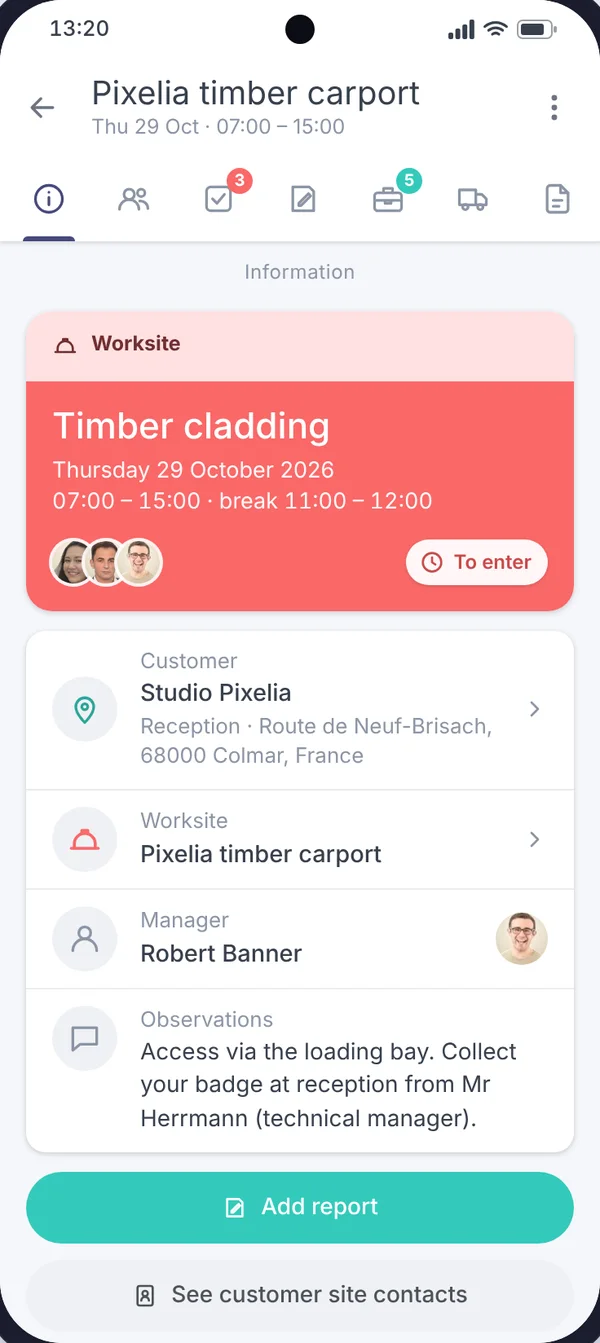
Plan preparation, delivery and work on site, then assign the relevant teams to each stage.
Your carpenters find the documents and information linked to the work they need to do on their phone.
Centralise photos, worksite feedback and the time reported on the project’s different activities.
No commitment, and you gain your superpowers: 14 days to try Techtime with your teams.




Plan your worksite and mission activities, then set each one up in a click.
Book your live demo
