Photos to identify equipment
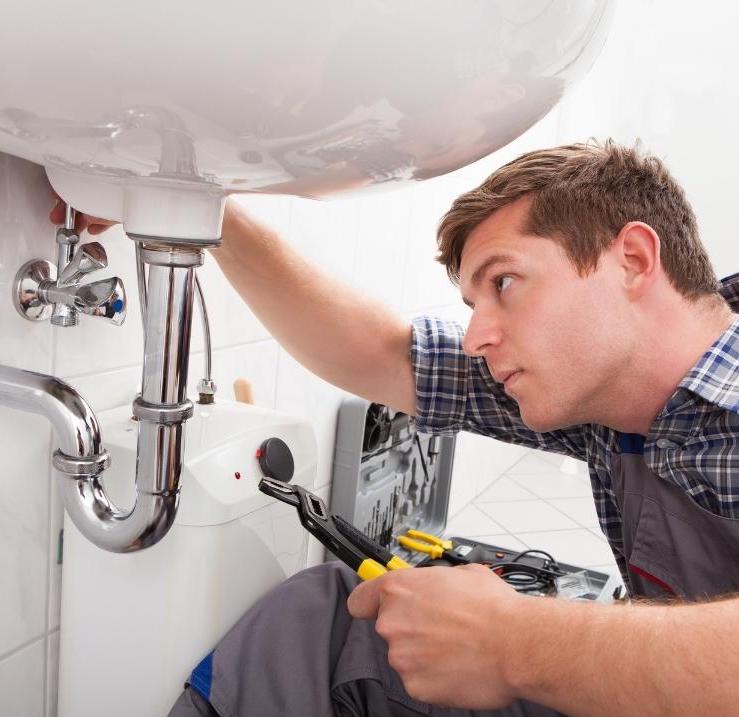
Photograph a piece of equipment to be replaced or the work done, then add a comment to the image. The model reference of a water heater or the location of a fitting can be documented to prepare the rest of the mission.
From repairs to bathroom installations, organise your plumbers’ visits and centralise the instructions, photos and hours for each mission.
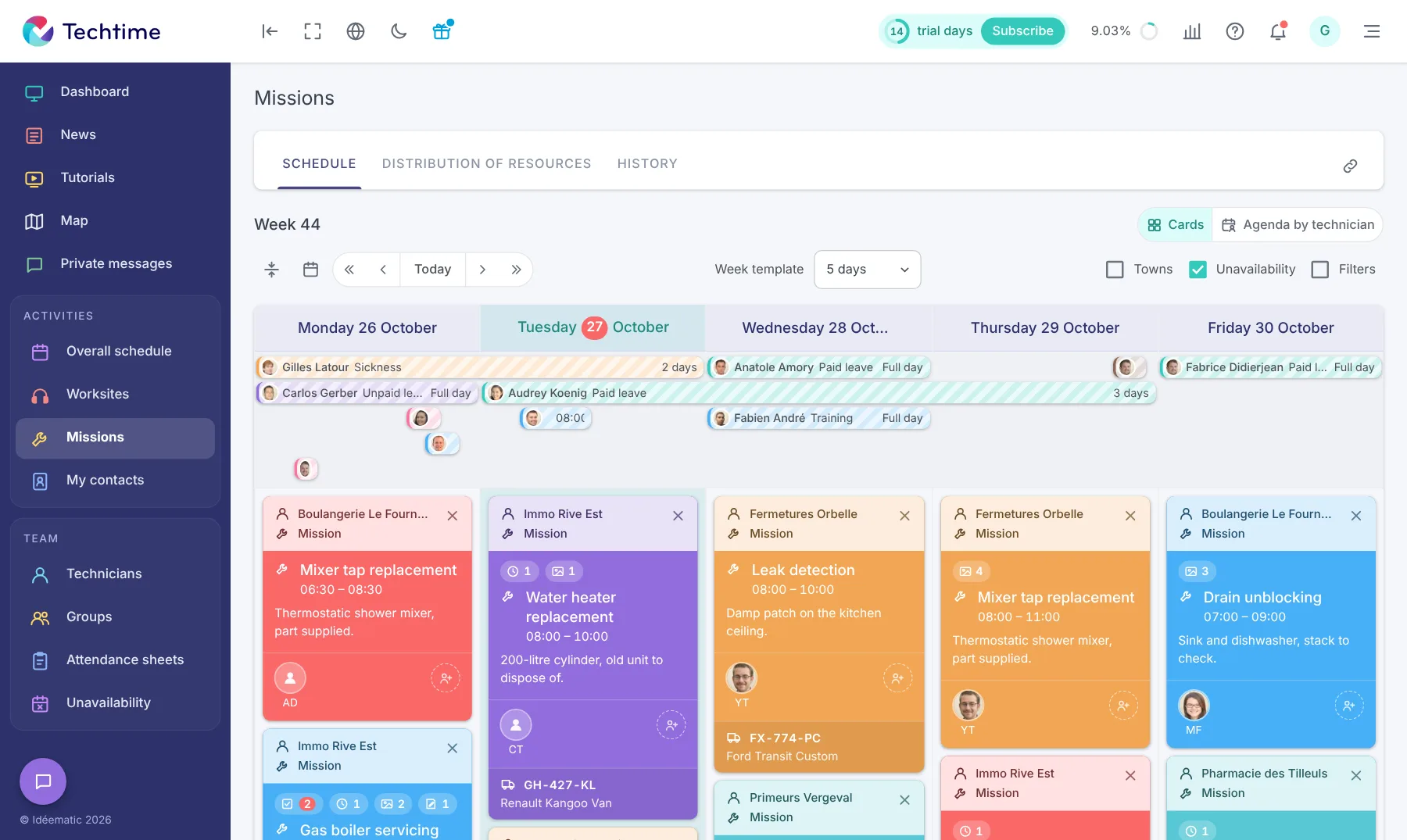
A repair at a private home and a day installing sanitary equipment on a worksite are not prepared in the same way. In Techtime, specify for each activity the work expected, the location and the customer contact.
Your plumbers find this information on their phone, with the documents and instructions they need for their visit.
From the first appointment to the return visit to finish the work, organise activities and find the hours reported and the photos linked to each visit to the customer.
A bathroom renovation may require several visits by your team, spaced out over time. In Techtime, create separate activities, for example for preparing the pipework and for installing the sanitary equipment. Assign the relevant plumbers and planned dates to each stage.
You can organise your teams’ days without tying up the same staff for the whole length of the worksite.
Your plumbers check their schedule in the mobile app. When an activity is changed, the information is synchronised and the staff concerned can be alerted by a notification.
When another plumber takes over a mission, their colleague’s observations help them prepare. With Techtime mobile, your teams can describe the work done, add photos and enter the hours spent on each activity.
Photograph a piece of equipment to be replaced or the work done, then add a comment to the image. The model reference of a water heater or the location of a fitting can be documented to prepare the rest of the mission.
Your plumbers view the plans and documents linked to the worksite on their phone. During a renovation, they find the information provided to locate the pipework and prepare the installation of the sanitary equipment.
After a repair, describe the problem encountered, the work done and the points still to be dealt with. This information helps the manager prepare a new mission, especially when a part has to be ordered before the work can be finished.
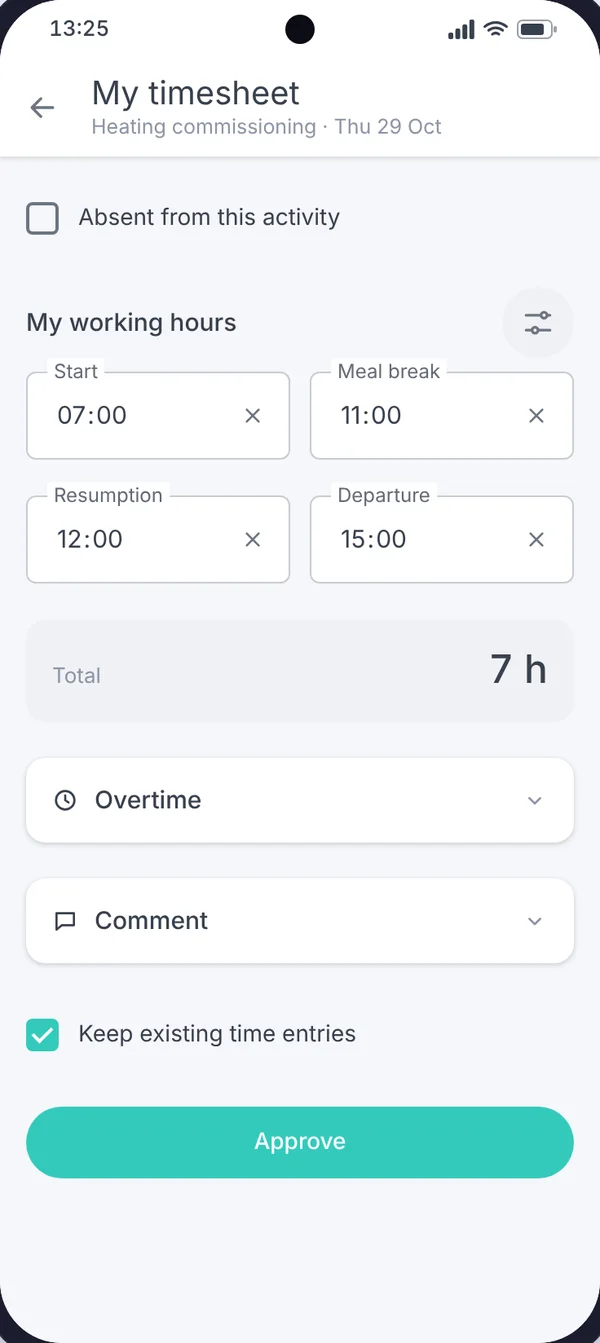
A diagnosis and a return visit to replace a piece of equipment are separate visits. By filling in attendance sheets for each activity, your plumbers make it possible to see the time reported at each stage, rather than a single total for the worksite.
On a bathroom renovation, your visits may depend on those of the tiler, the plasterer or the electrician. Techtime worksite sharing lets participating companies work on a common project, each from its own account.
For example, indicate that an area is ready for the next stage or that an issue needs resolving before a piece of equipment is installed. The activities, comments, photos and documents shared give partners what they need to coordinate their work with yours.
You can join a worksite on invitation from the architect or the main contractor. Once accepted, it appears in your Techtime space. You organise your plumbing activities there while continuing to manage your other customers and worksites.
Discover worksite sharing between companies.
In its testimonial of 13 February 2023, Gaïa explains that it chose Techtime to solve two problems: distributing schedules that change regularly and collecting its technicians’ hours.
The company, which specialises in installing heat pumps and ventilation systems, describes an organisation in which team leaders prepare the schedule in the web app. Technicians are notified on their mobile when assignments change.
This feedback shows how Techtime supports the flow of information between managers and installation teams.
Does your plumbing company already use quoting or invoicing software? A connection with Techtime can be considered to pass information between your sales administration and mission tracking.
We look with you at the data to exchange and the technical possibilities of your tools. When custom development is needed, its scope and cost are defined before work begins.
These adaptations meet specific needs: they should not be confused with the features included in the subscription.
Discover the options for adding custom features.
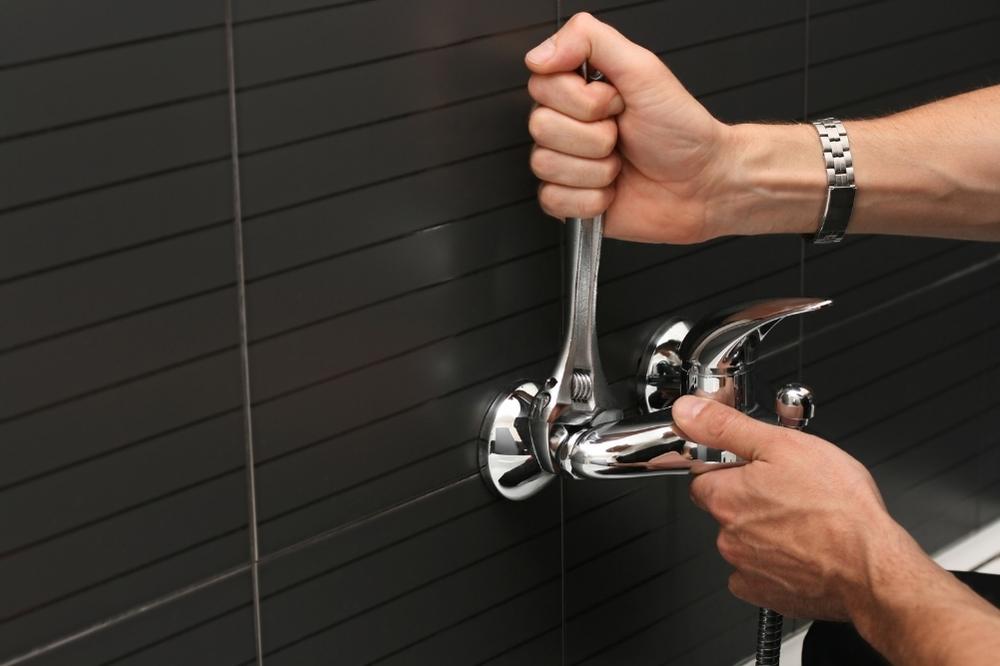
For a sanitary equipment installation, specify in the activity the plumbers assigned, the planned times, and the equipment and vehicle needed. You prepare the resources to be deployed, in addition to the worksite instructions and documents.
The schedule centralises this information with your teams’ other activities. You can adjust assignments and dates when the organisation changes.
Discover what our construction scheduling software can do.
Did an installation need an extra visit or more time than planned? Find the hours reported for the worksite’s activities and compare them with your initial estimate.
This tracking helps you spot the stages that took longer and prepare your next missions based on the times actually recorded by your plumbers.
Discover construction attendance sheet management.
Want to try Techtime on your worksites?
Does your plumbing company alternate between repairs and scheduled installations? During a Techtime demo, tell us about your organisation to see how to prepare missions, pass on instructions and track your technicians’ hours.
Allocate your plumbers between the day’s repairs and installation stages already scheduled.
Find the observations, photos and instructions you need before returning to the customer.
Gather the hours reported for diagnosis, installation and the visits needed to finish the work.
No commitment, and you gain your superpowers: 14 days to try Techtime with your teams.




Plan your worksite and mission activities, then set each one up in a click.
Book your live demo
