Locate your activities
See your worksites, teams and contacts on a map. You quickly see where your activities are and can better organise your staff’s journeys.
A clear view of your worksites
1. Plan your worksites.
2. Allocate your teams.
3. Track time spent.
4. Centralise field information.
Find your worksites, the teams assigned and the information you need to run your business day to day in Techtime.
Organise your worksites in the schedule, assign available staff and adjust resources to your business priorities.
Centralise hours, field information and worksite progress to keep an up-to-date view of your business.
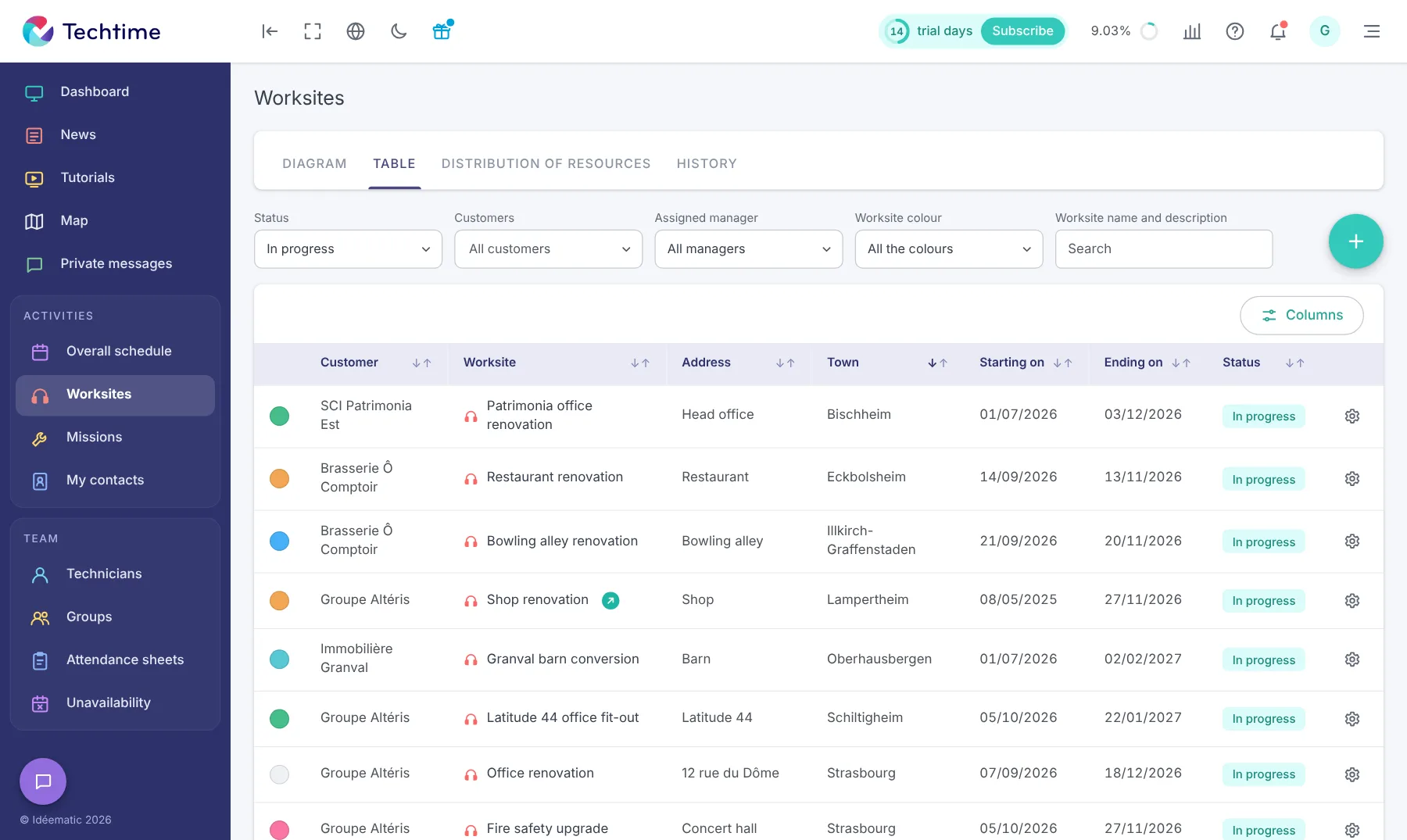
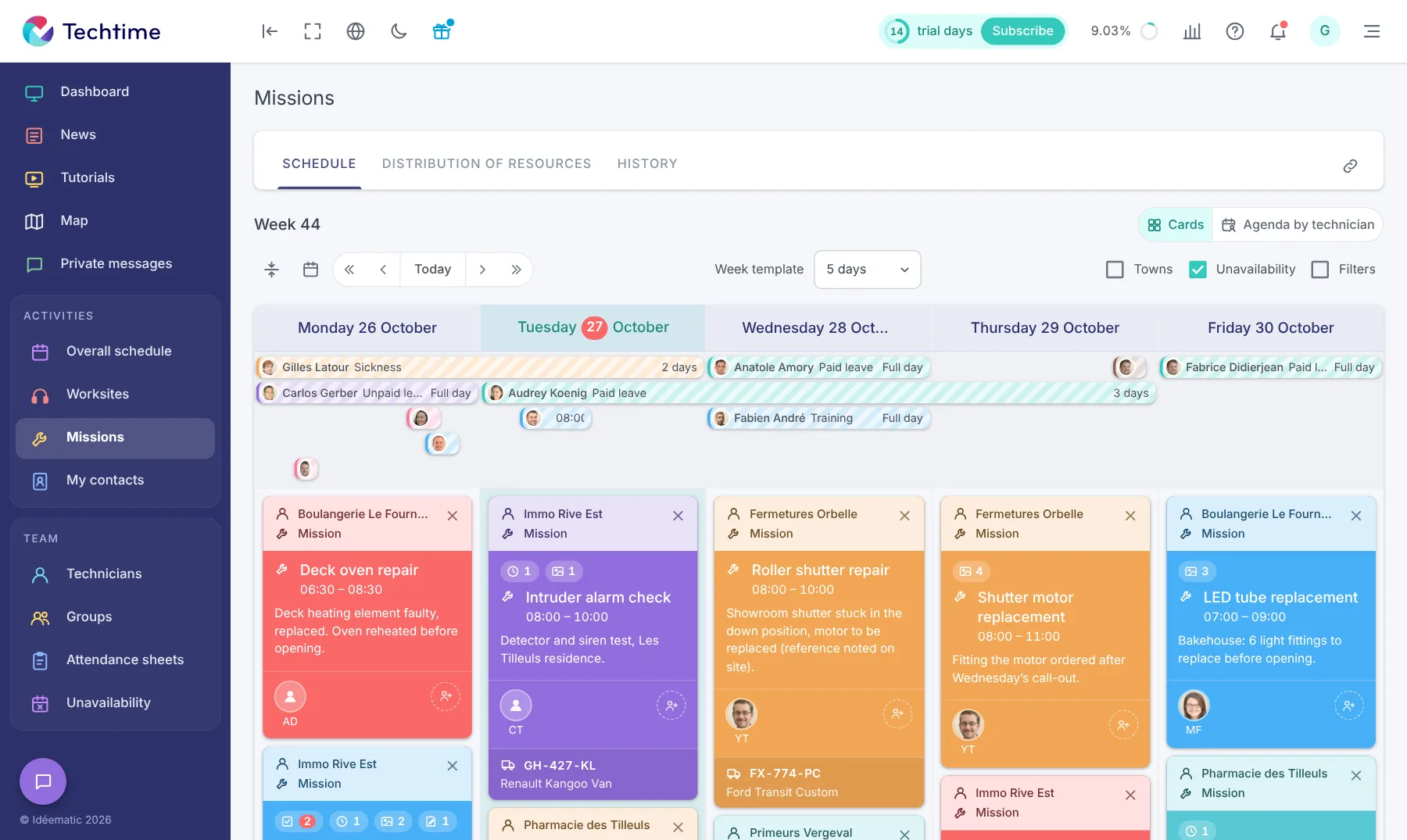
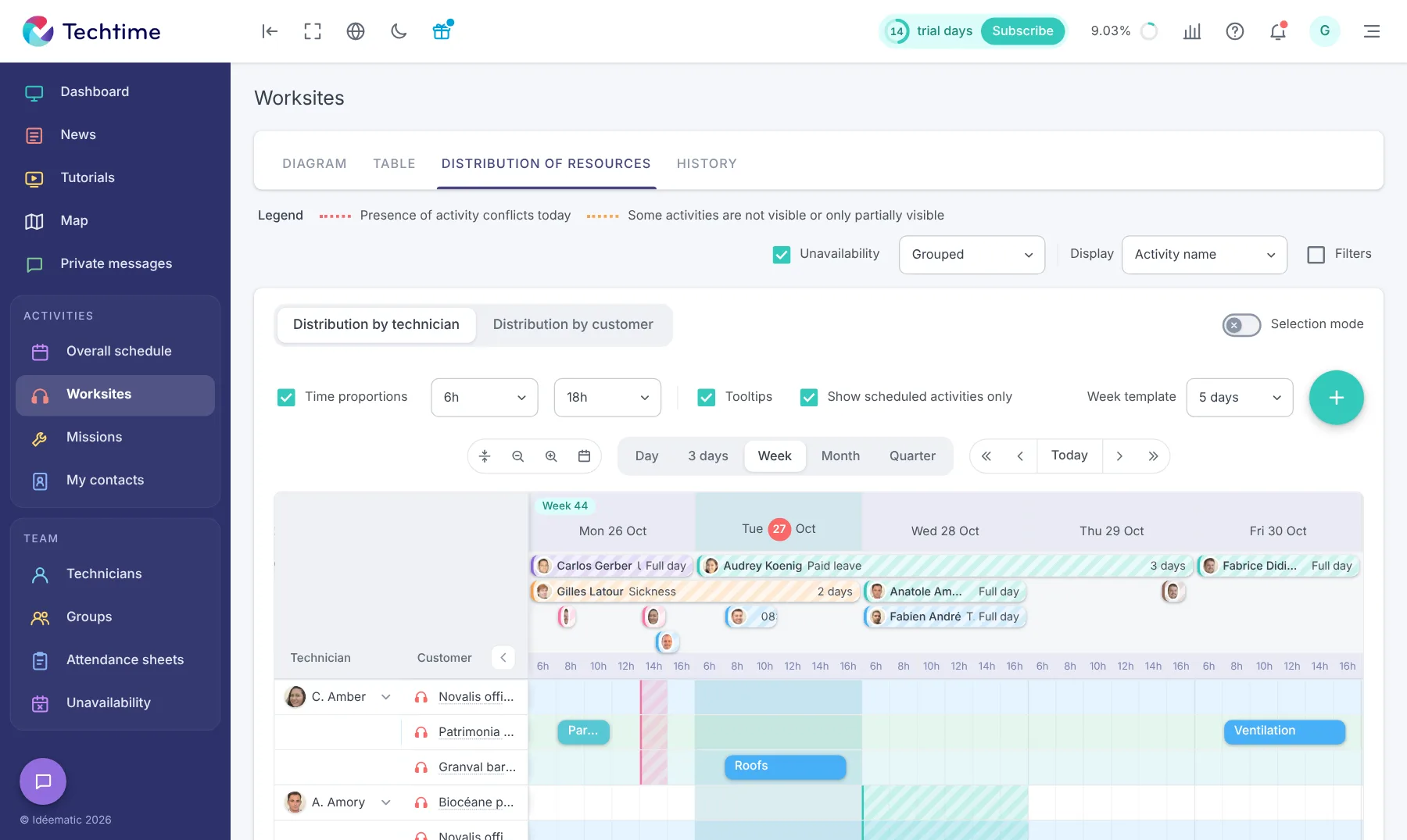
From Techtime web and mobile, centralise the information you need to prepare your worksites, assign your teams and track the work:
See your worksites, teams and contacts on a map. You quickly see where your activities are and can better organise your staff’s journeys.
See upcoming worksites, the staff involved and the planned periods in one schedule. You can reorganise assignments and deadlines when priorities change.
Allocate your staff across worksites and quickly see which teams are deployed. Then adjust assignments when your schedule or priorities change.
Record your staff’s holidays, sick leave, training and other absences. You get a more reliable schedule for allocating teams to your worksites.
Technicians enter their hours directly in Techtime from the field. You centralise time spent per worksite, check it and use it to track your business.
Communicate directly with your teams from Techtime, on the web and on mobile. Worksite information, photos and messages stay in one place, making tracking easier between the office and the field.

Techtime lets several companies work on the same worksite while each keeps its own account and environment. The main contractor or the architect can invite partners to join the shared worksite.
Each company can then enter its information, hours, documents and reports. This worksite sharing between companies lets participants collaborate on one project without forcing them to work in a shared account.
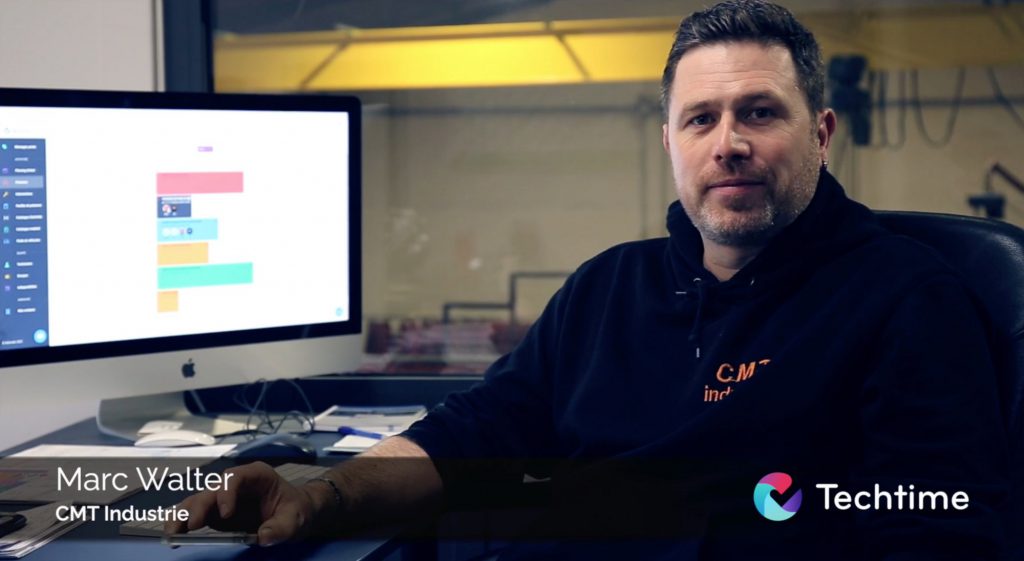 Watch the video
Join our wonderful partners and customers!
I use Techtime because it saves me a lot of time and gives me peace of mind when organising and tracking my worksites. The technicians keep me informed of their progress in real time, and all the documents and photos from each mission are centralised. In the end, we have improved our productivity and can take on more customers. The Techtime team pays close attention to the needs of our trade and their app keeps getting better.
As a business manager, I need to know who is doing what, for whom and when. I need to be able to organise my activity schedules very easily with practical mission management software. Techtime meets my criteria, so I use it every day with my teams.
No commitment, and you gain your superpowers: 14 days to try Techtime with your teams.



Plan your worksite and mission activities, then set each one up in a click.
Book your live demo
