

Instant messaging for fast information sharing
Communicate and share information in real time with your technicians and tradespeople
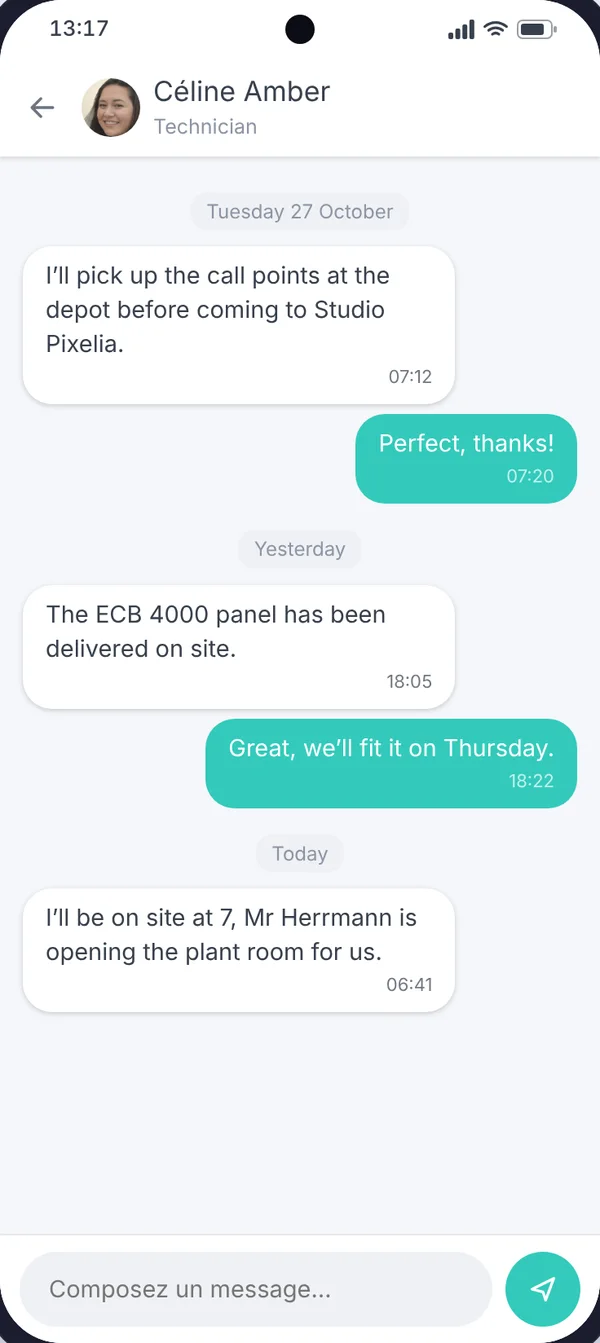
The office and tradespeople stay in touch
- 1Group or individual message
- 2Alert notificationwhen a message arrives
- 3Reply from mobile
- 4Centralised historywith the worksite or mission
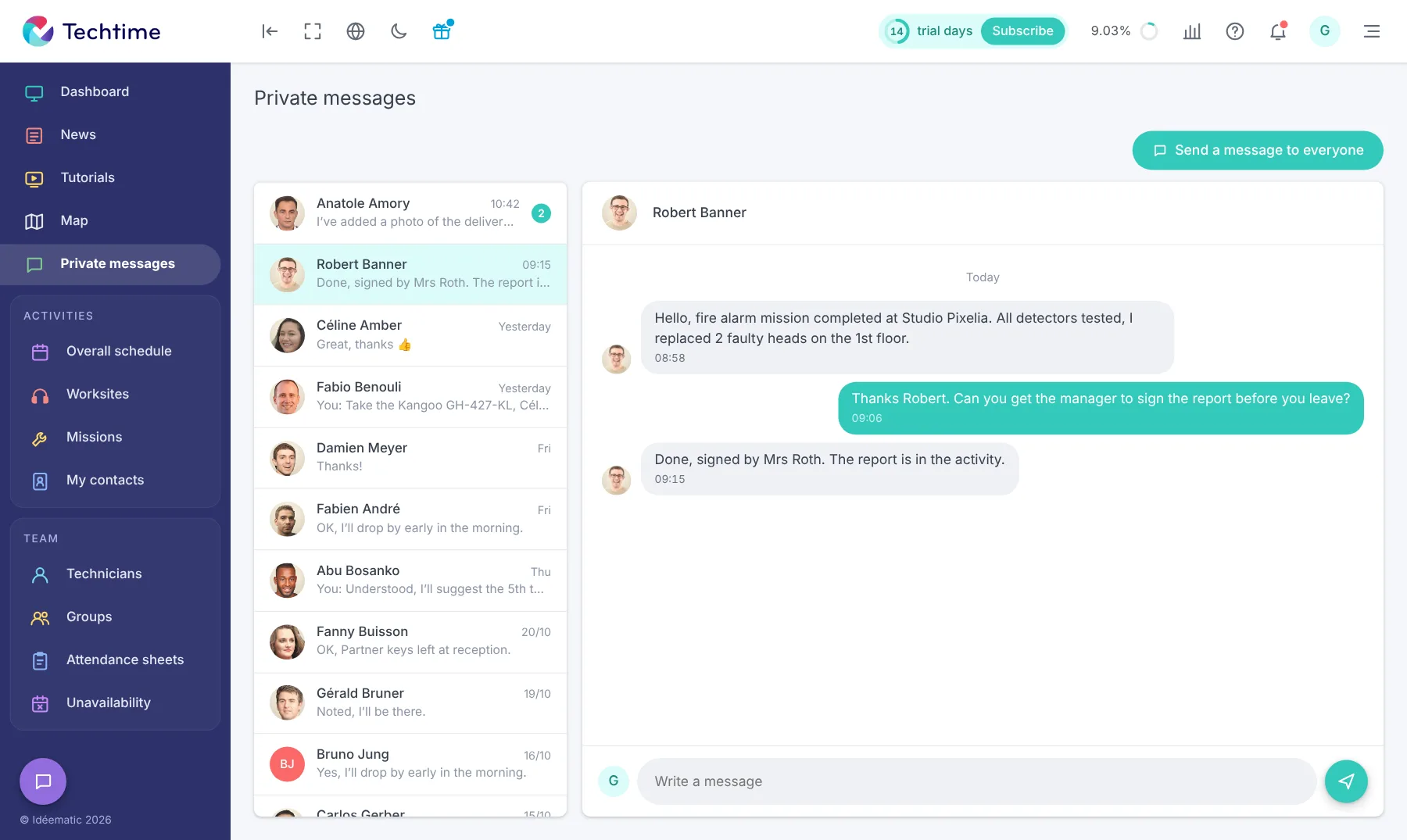
Stay in touch with your teams through messaging!
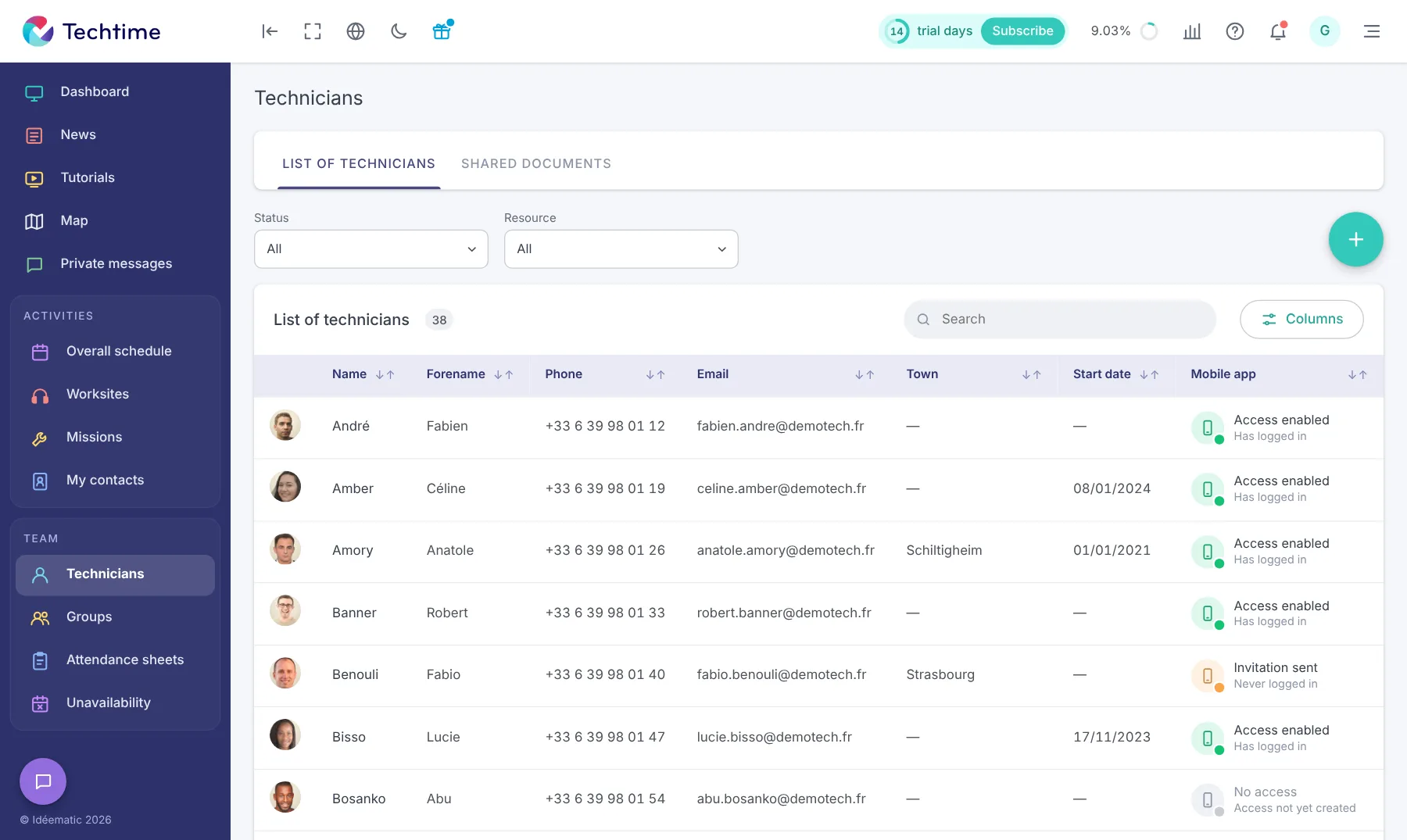 Watch the video
As a manager or works manager, when you are not at the customer’s site it is important to stay in touch with your tradespeople in the field. That is where instant messaging comes into its own. When needed, Techtime’s internal messenger lets you:
- pass important information on to your tradespeople
- answer their needs and questions
- alert them to a last-minute change
- and more.
With Techtime messaging, your tradespeople can also use this feature in their mobile app. It is very easy to use and works just like any other instant messaging or chat app:
- sending a group message
- exchanging messages with a specific tradesperson
- alert notification when a message arrives
- messaging in a chat box or full screen
As with all information about a worksite or mission, the messages exchanged between you and the teams at the customer’s premises are centralised in one single application: Techtime!
Sign up in under 47 seconds
No commitment, and you gain your superpowers: 14 days to try Techtime with your teams.



