Hours per activity
Staff enter the time spent on the activities planned in Techtime. You can track the hours reported for installing partitions, linings or ceilings when this work is recorded as separate activities.
Plan your worksites, organise your teams, track hours and centralise field information with Techtime.
Techtime lets drywall and plastering companies centralise the organisation of their worksites in a single management tool built for drywall installers.
In particular, you can:
The aim is to have management software for drywall installers suited to the day-to-day tracking of your business.
A drywall worksite may involve several visits by your teams. With Techtime, you can organise partition, lining and ceiling work as separate activities, with their dates and assigned staff.
In each activity’s description, specify the work expected and the part of the worksite concerned. Your teams get a more precise instruction than a simple project title.
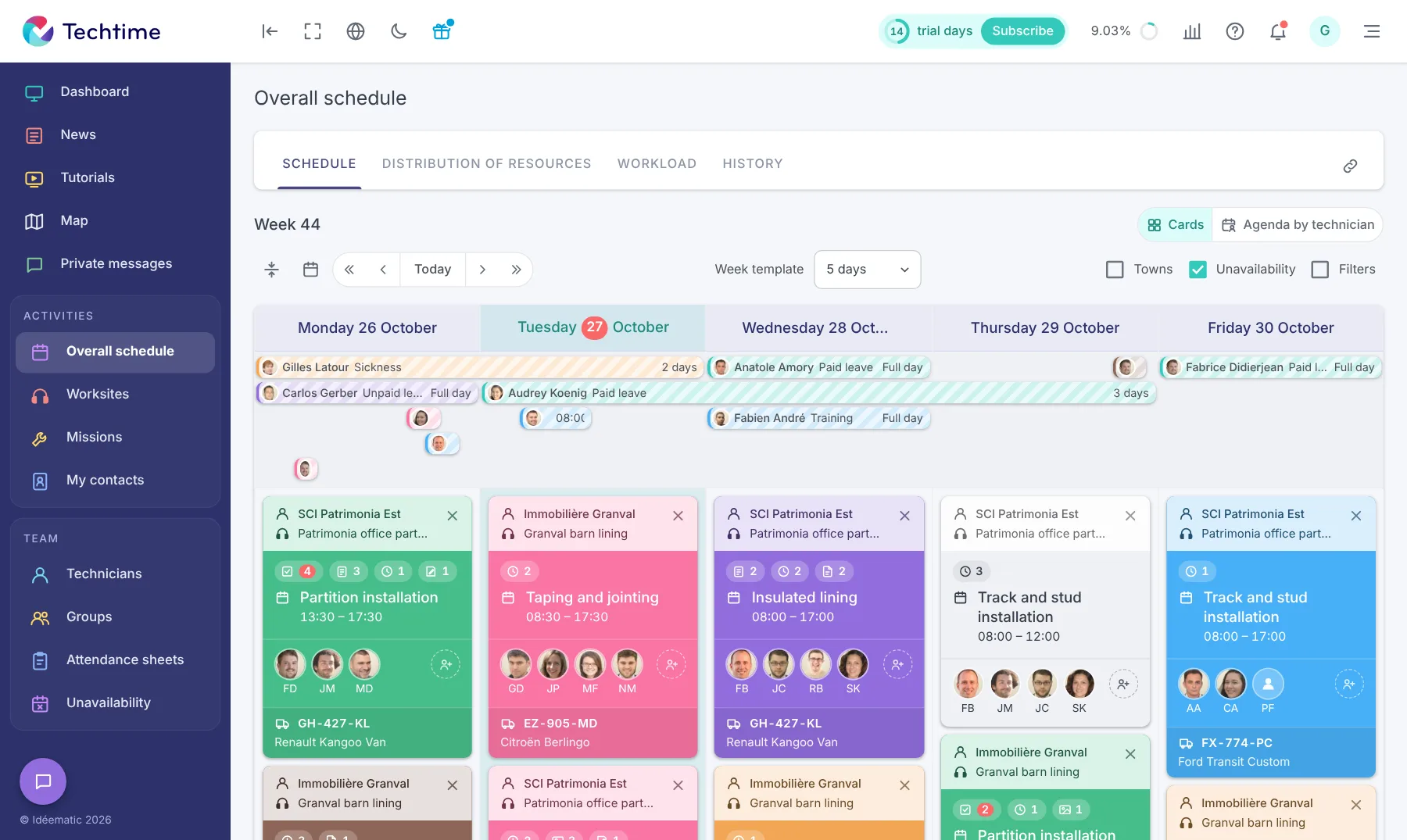
The schedule shows the planned presence of each team across your different worksites. You can prepare the next visits without confusing the overall length of the project with the days actually assigned to your drywall installers.
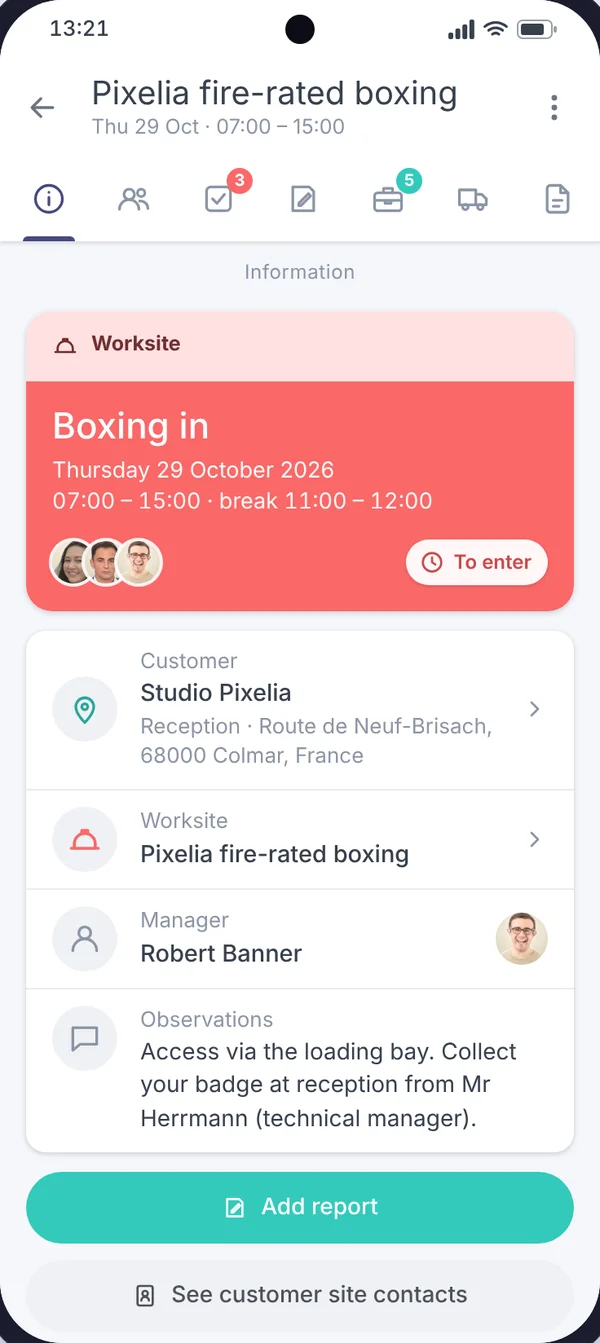
On your plastering and drywall worksites, teams need to be able to view the information sent to them, report the work done and enter their time. The Techtime mobile app lets them find their assigned activities and report the information needed to track them.
Staff enter the time spent on the activities planned in Techtime. You can track the hours reported for installing partitions, linings or ceilings when this work is recorded as separate activities.
Teams add photos to show the work done or flag an issue to look at. These images complement the information sent to the manager on worksite progress.
Each member of staff sees the activities they are assigned to and the planned dates. They find the next visits scheduled on their various worksites.
Reports let teams specify the work done and the points still to be dealt with. They provide the explanations needed to understand the situation, beyond the hours reported and the photos.
Staff view the plans and documents shared for the worksite. The files needed for their work stay grouped with the project information.
Before setting off, teams find the information entered for their job: location, times and contacts. The manager can pass on what they need to prepare their visit.
Between ongoing worksites, teams to coordinate and information to pass on, a drywall company must be able to find the data its business needs quickly.
Techtime lets you see ongoing worksites, organise teams and follow information from the field in one environment.
The schedule, hours, documents and photos stay linked to the relevant worksites, cutting down on scattered spreadsheets, files and exchanges.
From the mobile app, staff find the activities they are assigned to and the information needed for their work.
They can also enter their hours and send the information needed to track the worksite directly from the field.
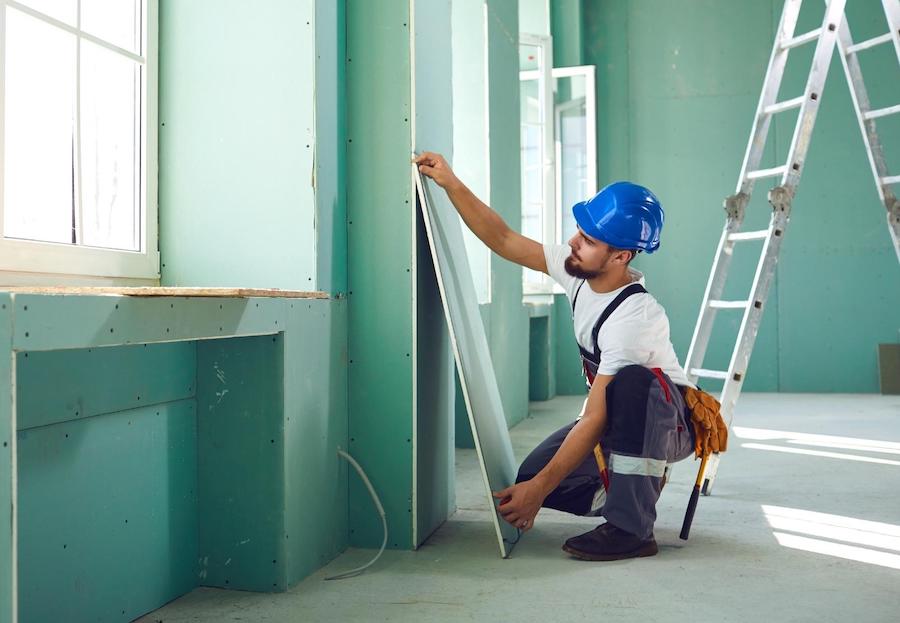
Techtime centralises the information linked to each worksite so that the manager can more easily follow the teams’ activity.
Hours entered, documents, photos and information from the field stay linked to the relevant worksite. You get a clearer view of what has been done and what is still to be dealt with.
Every drywall company has its own organisation. Techtime provides a common core for managing worksites and teams, and can be adapted when the way you work calls for specific needs.
Additional features can be considered to bring the software closer to your business processes without starting from a new application.

With several worksites and staff, a centralised schedule tells you quickly who is working where and when.
With Techtime, you can plan activities, assign team members and view the organisation of worksites from one environment.
To go further, discover our construction scheduling software.
Drywall teams can view their activities in the Techtime mobile app and send the information needed to track the worksite.
Data from the field stays accessible from the web app to make tracking easier for the manager or works manager.
Also discover our construction worksite tracking app.
Want to try Techtime on your worksites?
Management software for drywall installers that is simple to use. We offer a very clear demo of Techtime’s features so you can see the software’s strengths for yourself.
Plan activities and allocate your teams.
Hours, photos, documents and worksite data in one place.
Find the information you need to track your worksites and teams.
No commitment, and you gain your superpowers: 14 days to try Techtime with your teams.




Plan your worksite and mission activities, then set each one up in a click.
Book your live demo
