Emergencies and planned missions
A lockout, a lock replacement or an emergency can upset a day already organised around installations and worksites. Techtime lets you see planned missions and reassign teams when priorities change.
Organise your call-outs, missions and worksites from one tool. Plan your teams, track time spent and centralise the information, photos and documents for each mission with Techtime.
Techtime centralises the schedule, assignments, time spent, photos and documents linked to your missions and worksites. Your teams have the information they need, in the office and in the field.
An emergency call-out, a planned installation and a metalwork worksite do not run at the same pace. Techtime helps you prioritise missions, assign the right staff and keep a clear view of activity, even when the schedule changes during the day.
Between call-outs to handle quickly, scheduled missions and worksites lasting several days, a locksmith company’s schedule can change constantly. Techtime lets you organise each member of staff’s activities and simply see who is working where and when.
You can:
To go further, discover our construction schedule management software.
A locksmith company does not just handle lockouts or lock replacements. It may also install security doors, access control systems or carry out metalwork requiring several visits.
These activities differ in length and urgency. Techtime lets you organise them in one schedule while keeping separate tracking for each mission or worksite.
A call-out can be dealt with quickly, while an installation or a metalwork worksite needs more preparation and follow-up. Depending on the activity, teams need to find the address, instructions, documents, photos and the history of previous visits.
Each activity keeps its own information while remaining part of the company’s overall schedule.
Between a quick call-out, a planned installation and a metalwork worksite lasting several days, time spent can vary greatly from one activity to another. Techtime lets you track the hours worked by your teams and link them to the relevant missions and worksites.
Each member of staff can record their activity, while the company keeps a centralised view of time spent. This information helps you better track your teams’ workload and find a mission’s history more easily.
To centralise this tracking, discover our attendance sheet management.
A lockout, a lock replacement or an emergency can upset a day already organised around installations and worksites. Techtime lets you see planned missions and reassign teams when priorities change.
Customer address, times, instructions, documents and photos are grouped in the relevant activity. The locksmith finds the information they need before and during the mission, without searching through several tools.
Photos taken on site, technical documents or information about an installation can be kept with the mission or worksite. The company keeps a usable history of the work done and of the information sent from the field.
An emergency call-out, a lock installation or a metalwork worksite do not involve teams in the same way. The hours entered in Techtime show the time actually spent on each activity and each worksite.
Locksmithing combines short, unplanned missions with scheduled work that can span several days. Techtime lets you manage both rhythms in the same schedule, without separating missions from worksites.
In a single week, a locksmith company may handle emergency call-outs, lock replacements, security equipment installations and metalwork. These activities do not involve the same lead times, organisation or tracking.
A lockout, a jammed lock or securing a property after a break-in often requires a rapid response. You need to identify the location, the priority and the available locksmith, and keep the useful information to avoid wasting time before setting off.
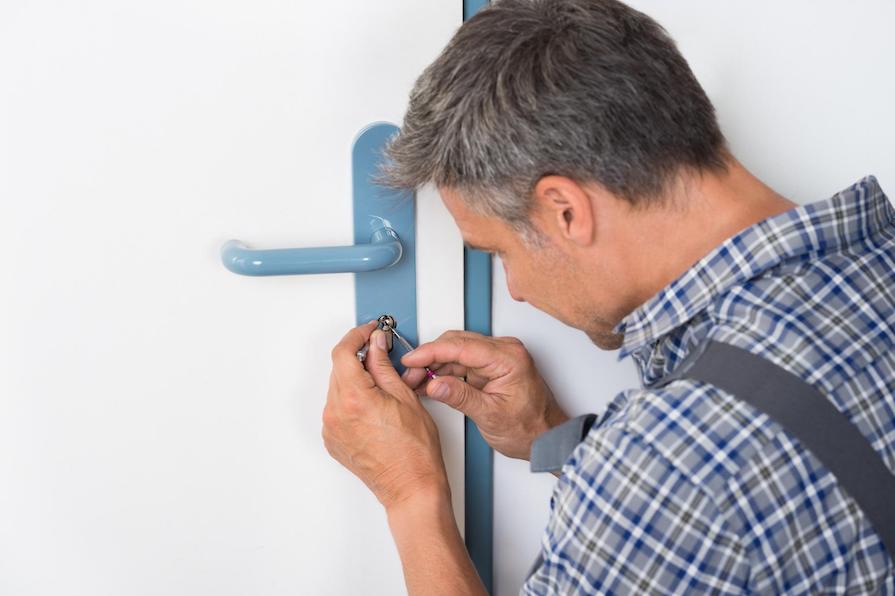
Replacing a lock, fitting a multi-point locking system, installing a security door or working on an existing entrance: these jobs are more often planned and may require several pieces of information, documents or site visits.
Metalwork can span several days and involve several members of staff. Worksite tracking must then show assignments, hours worked, photos and the progress of the work.
Installing access control or security equipment may require several successive missions. Keeping the history of visits and site information makes follow-up easier between technicians and the office.
Emergency call-outs, planned missions or locksmith and metalwork worksites:
Techtime helps you keep a clear view of your teams’ activity.
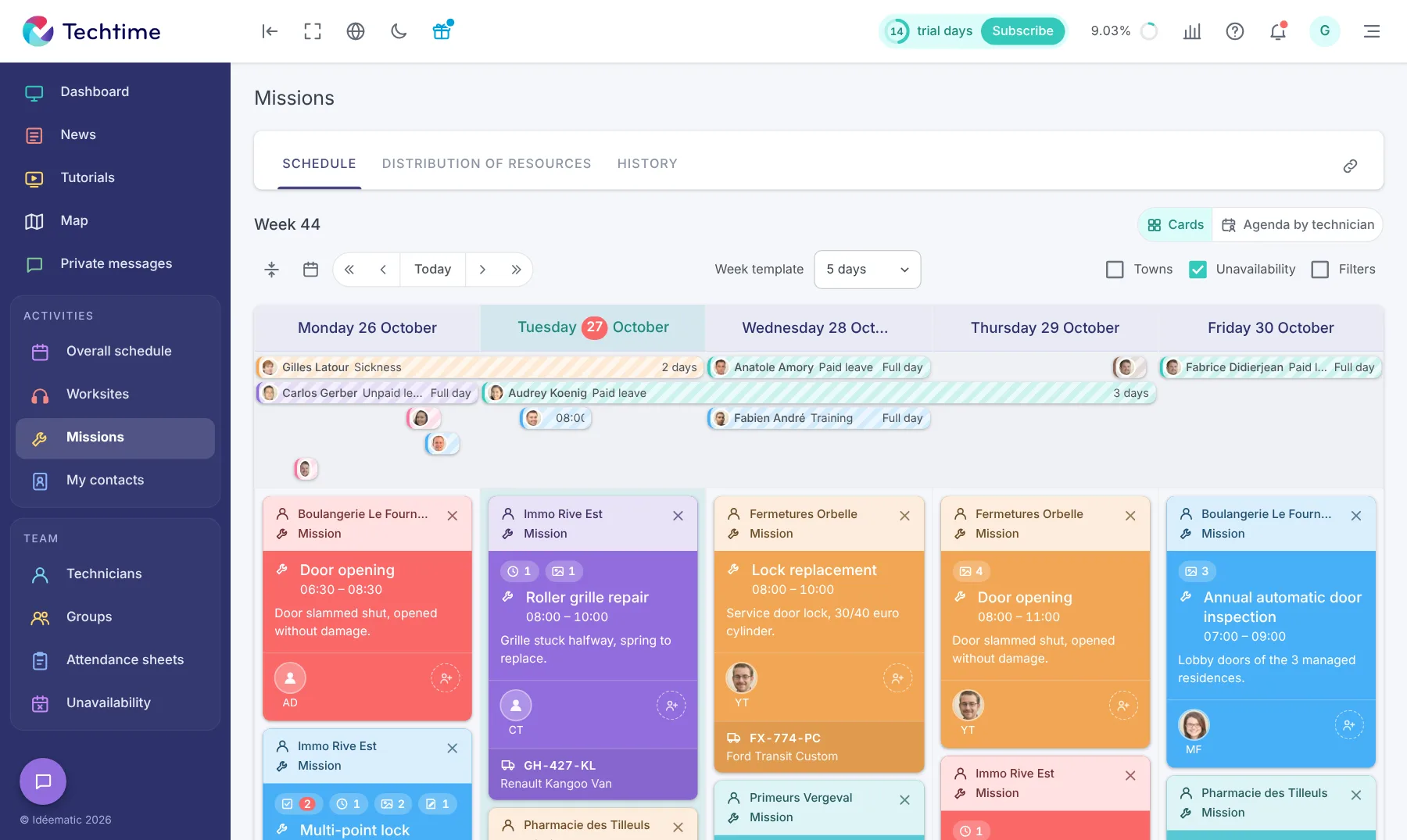
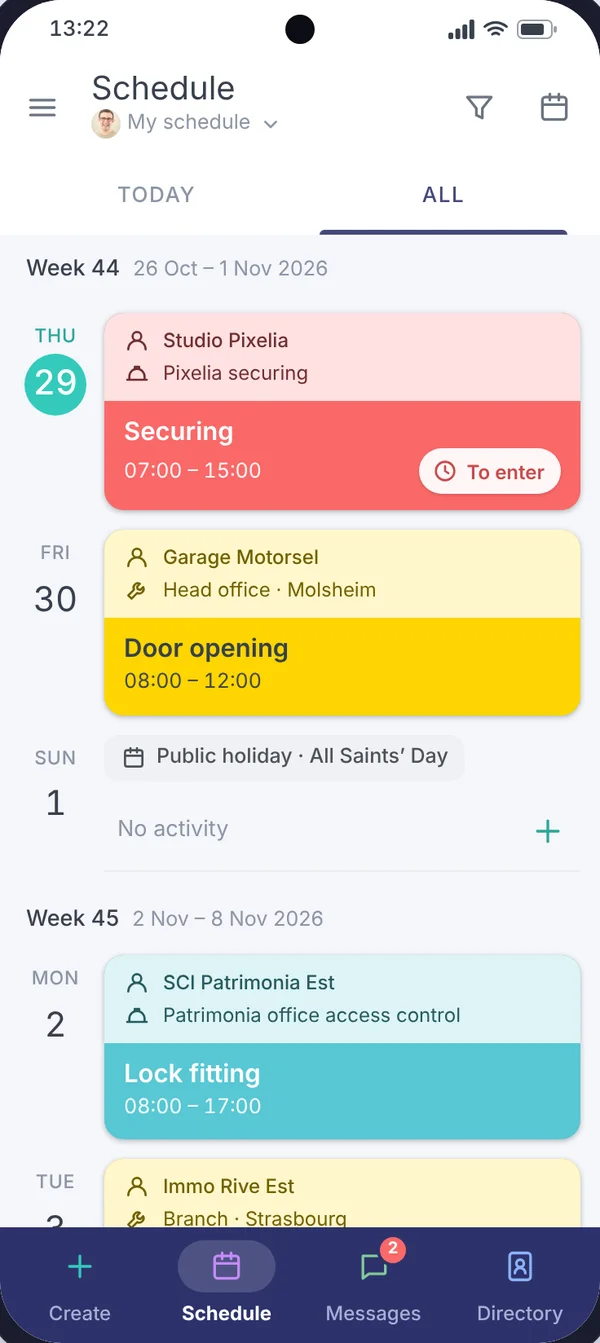
Techtime lets you see upcoming missions and worksites, assign the staff involved and adapt the schedule when an emergency call-out changes the day.
You keep an overview of ongoing activities, whether a lockout, a lock replacement, a planned installation or a locksmith and metalwork worksite.
Locksmiths can find the information linked to their missions and worksites, then send useful information back from the field: time spent, photos, documents and follow-up information.
The company keeps a centralised history of each activity, available to prepare the next visit, track a worksite’s progress or find the information from a mission already completed.
Plan lockouts, lock replacements, emergency securing and scheduled missions, then allocate teams according to the day’s priorities.
Find the instructions, photos, documents and worksite information in one place to prepare a call-out, an installation or a metalwork worksite.
Track hours spent, missions carried out and information from the field to manage your teams better and find the history of every job.
No commitment, and you gain your superpowers: 14 days to try Techtime with your teams.




Plan your worksite and mission activities, then set each one up in a click.
Book your live demo
