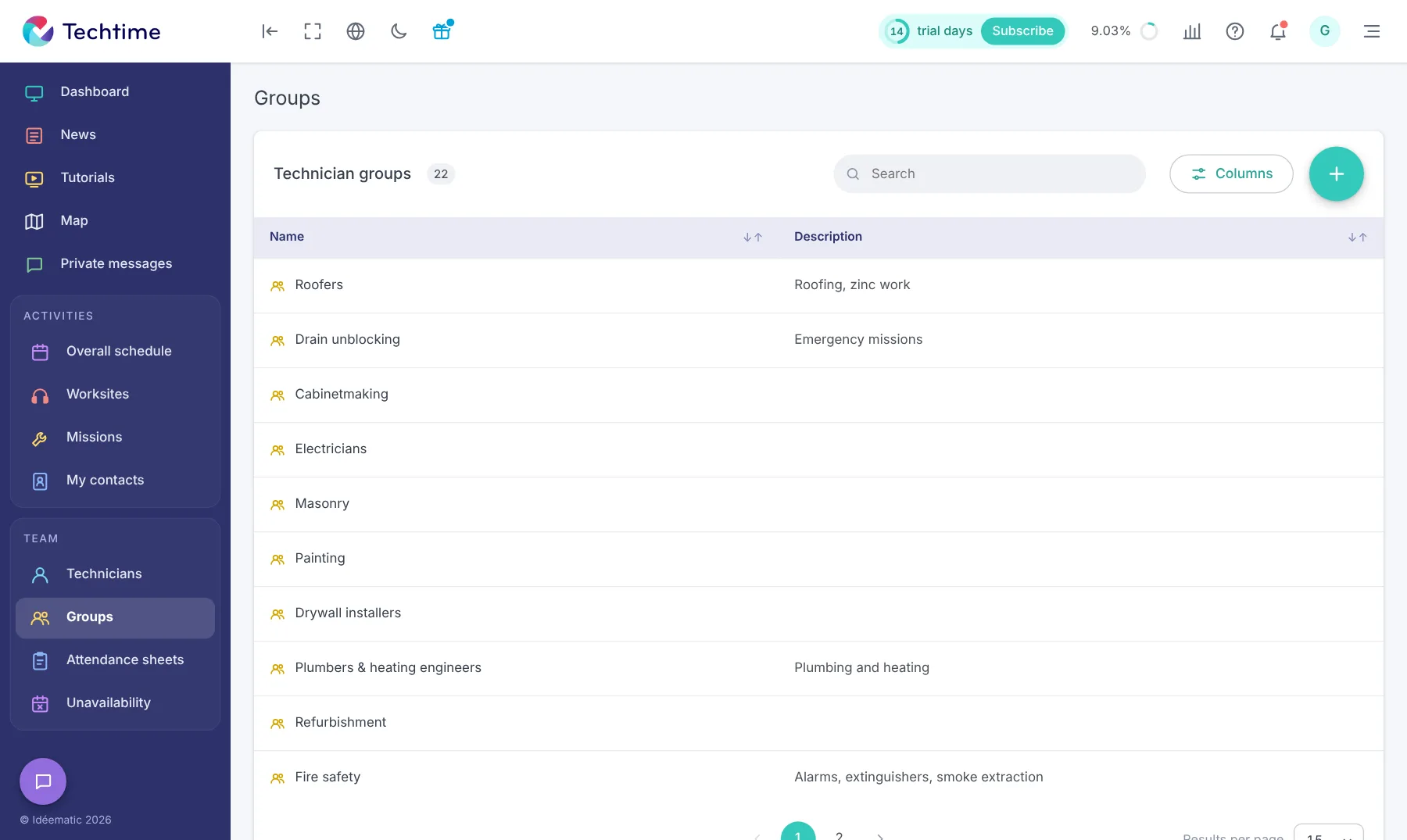
Electricians, plumbing and heating engineers, a masonry team, an on-call repair rota… Every construction company has its own organisation. Techtime adapts to it: you create the groups that match the way you work and place your technicians in them.
When planning a worksite or a mission, you can more easily find the staff with the skills required.
Groups that are easy to create
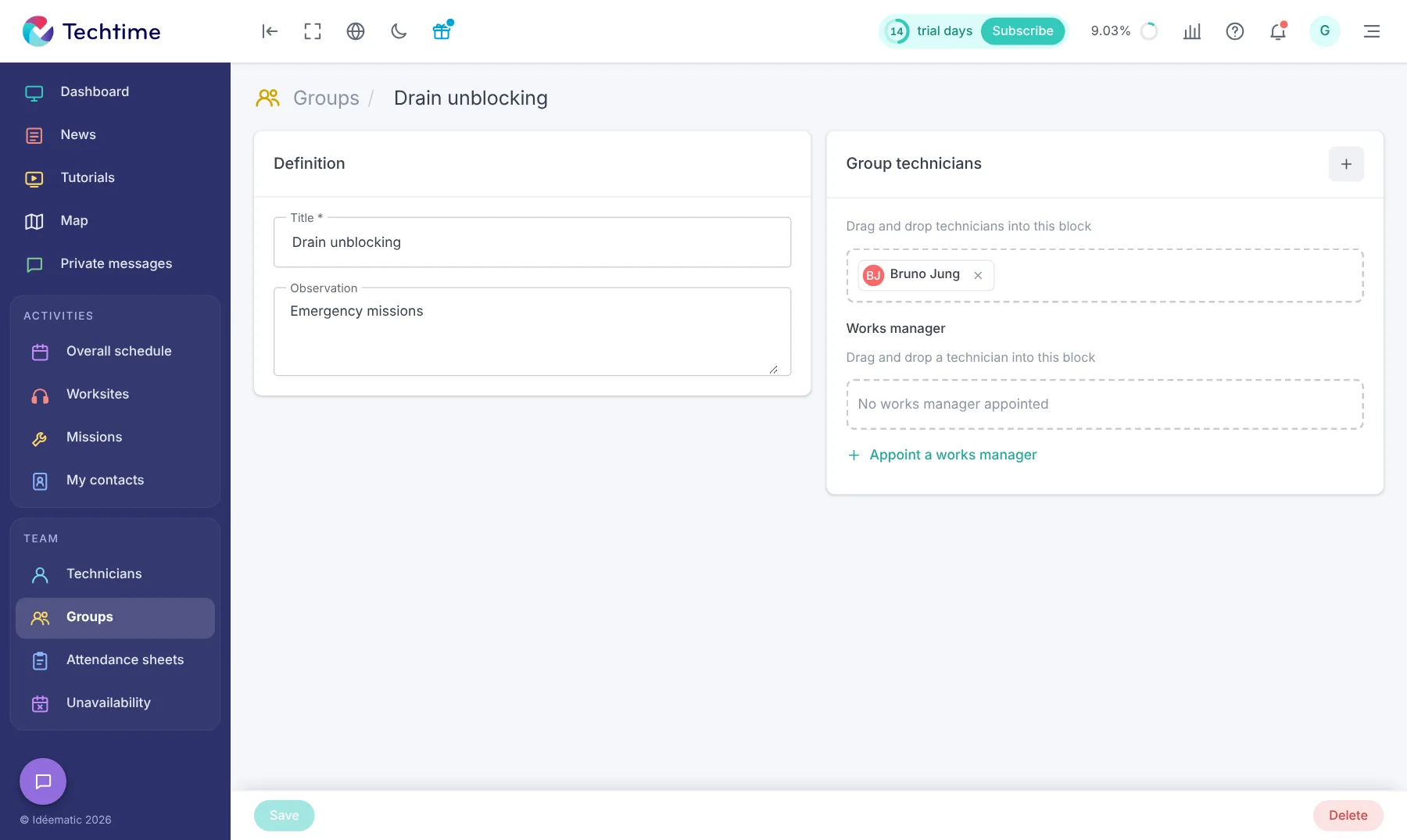
A technician group takes seconds to create:
a title (for example “Drain unblocking” or “Roofers”);
a note to clarify its role (“Emergency call-outs”, “Roofing, zinc work”…);
On a technician’s record, you indicate the activities they are skilled in. Conversely, each activity in the catalogue can list its specialist technicians.
An option lets you link them automatically to the activity when it is scheduled.
Internal and external resources
Each technician is recorded as an internal or external resource, with their fully loaded hourly labour cost.
This information feeds the cost tracking of your worksites. A technician can also be promoted to manager.
An organisation that serves your planning
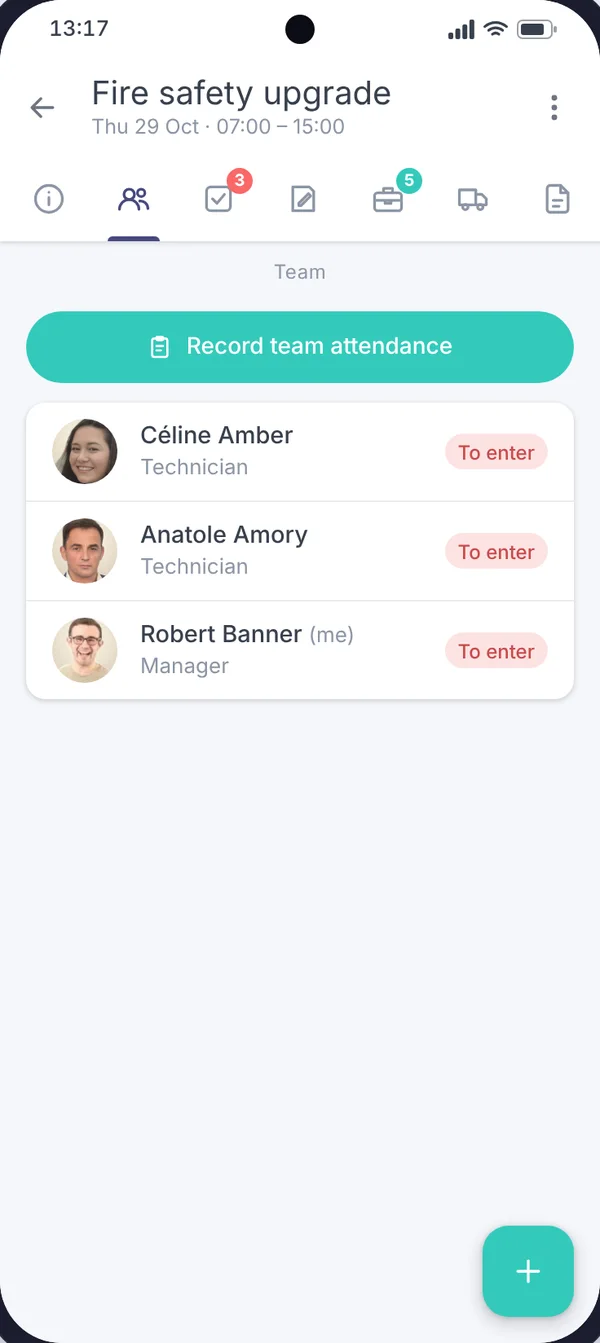
Groups and specialities help you put together the team for each activity.
You save time in the worksite schedule and reduce assignment errors.
With your consent, we use audience measurement cookies (Google Analytics) and marketing cookies (Brevo, notifications) to improve the site and our communications. They are only set if you accept them. You can change your mind at any time using the “Manage cookies” link at the bottom of the page.