

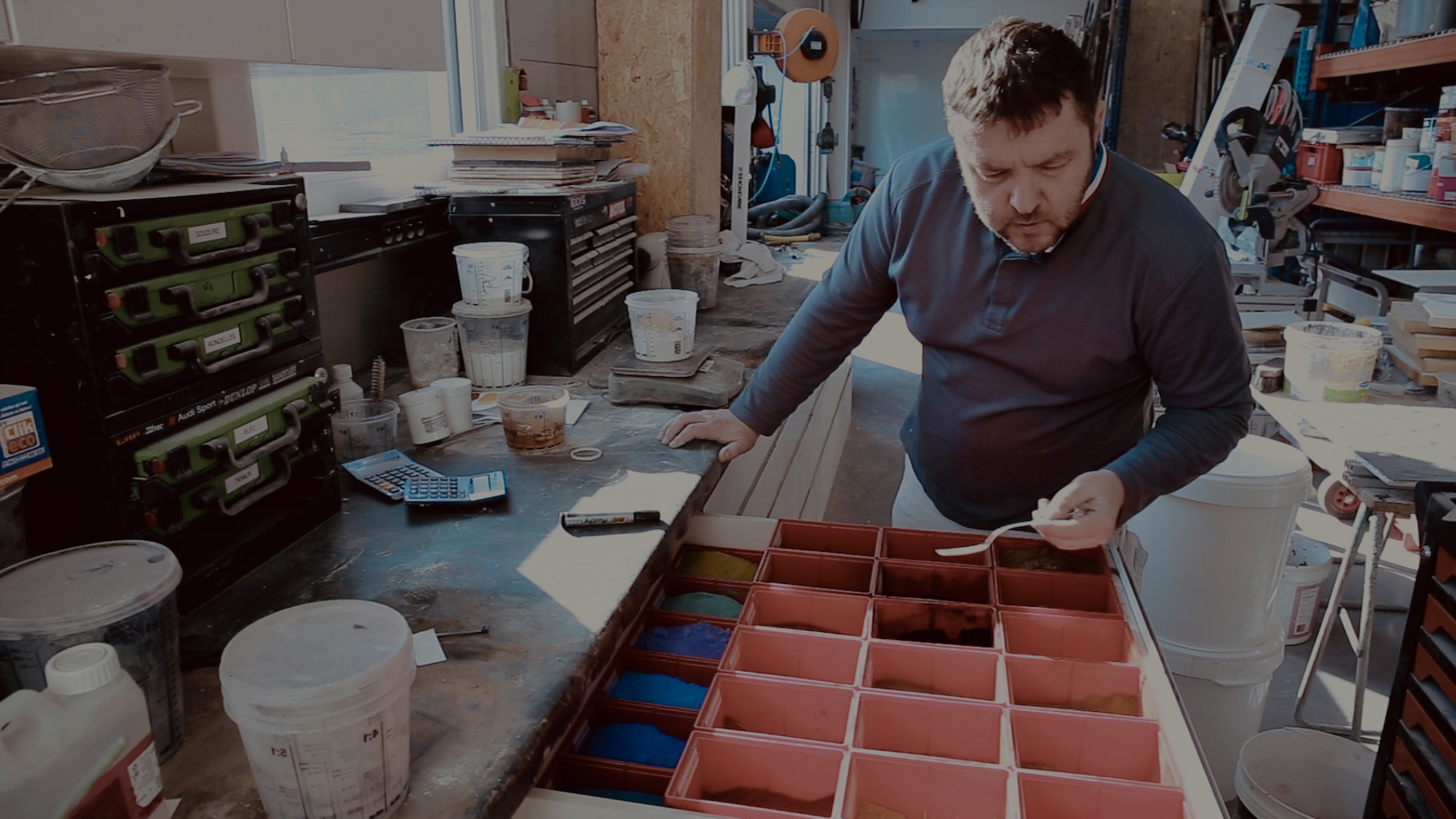
How does Techtime address professionals’ challenges? What benefits does this solution bring to business owners and their employees? How does the software affect productivity and day-to-day organisation? Thomas Cronimus reviews what Techtime has brought to his Alsace-based company, Toma Peinture.
In brief
Toma Peinture, an Alsace-based painting and decorating company with 9 employees run by Thomas Cronimus, Meilleur Ouvrier de France 2019, has used Techtime since its launch. Before, the manager kept everything in his head: worksites, access codes, vehicles, equipment. Today he plans calmly on his computer, and his workers receive their schedule, teams, addresses and instructions on their phones. The result: fewer oversights and mistakes, a workload visible several weeks ahead and the possibility of delegating scheduling.
The company: Toma Peinture
Founded in 2011, Toma Peinture is a company specialising in interior painting, industrial lacquering, decorative finishes and wall coverings. At the helm of this Alsace-based company, located in Hœrdt, is Thomas Cronimus, one of the Meilleurs Ouvriers de France of 2019.
Today, Thomas Cronimus has to manage the daily work of 9 employees, both in the company’s premises and on site. That is why the business owner uses Techtime. He explains how he uses this worksite and job management software, and the benefits it brings to his company.
Year founded
Painting, lacquering, decorative finishes and wall coverings
In the workshop and on site
Thomas Cronimus, Meilleur Ouvrier de France
What business challenges led you to use Techtime?
Thomas Cronimus: I know the building trade very well: I’ve been in it for over 30 years, and my father was before me. Every morning, you have to show up with your head full of notes, things not to forget, things to tell your teams.
You even find yourself waking up at night thinking you mustn’t forget certain things: warn one team, pass information on to another, explain where the worksite is, give the building number and the entry code. It can also mean remembering to tell an employee which car to take, what equipment they need for the job, the worksite sheet when there is one, and so on.
Day to day, it can quickly become hellish and impossible to manage. That’s where Techtime comes in. Throughout the day, whenever I want, I can take notes or schedule a worksite in Techtime. And in the morning, when the employees start work, they already have all the information.
For my part, I don’t forget anything, my mind is free, everything is scheduled. The employees, for their part, have all the information they need, so they can’t say they didn’t know. It’s handy because I often work with young people. Here, everything is in writing, so there’s no excuse on that front.
Why did you choose Techtime?

Thomas Cronimus: To begin with, Techtime is a very local solution, since we’re right next door. At the time, the French Building Federation asked me to talk with Techtime’s founders and share my experience, to reinforce their idea for the program.
Personally, at that point I had just had a minor accident at work and was laid up. So it was the right moment. I was able to ask questions and explain my needs as a professional clearly.
So I’ve used Techtime since its launch, and I even had the chance to test the Beta version. And this solution suits me completely.
In practice, how do you use Techtime’s tools and features day to day?
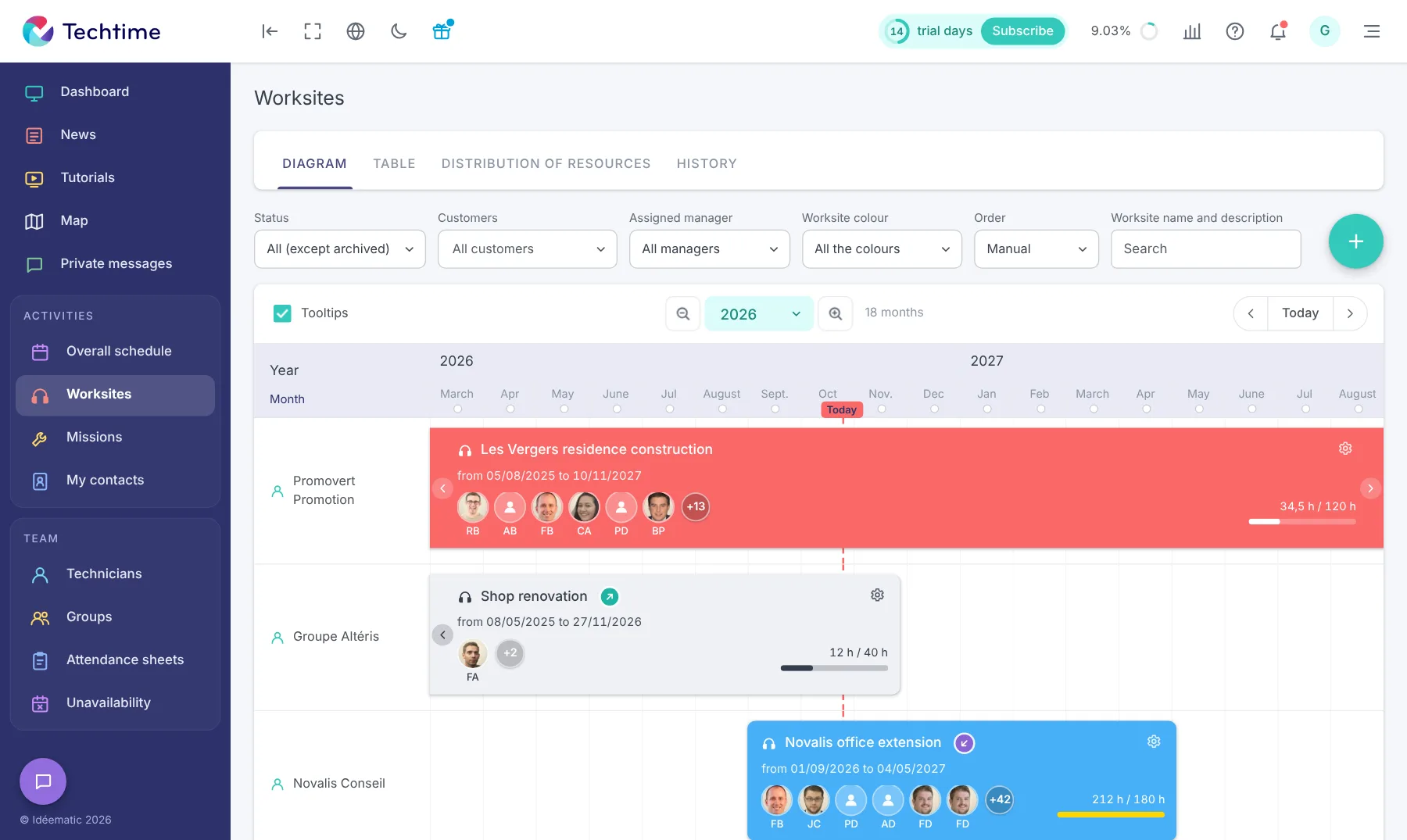
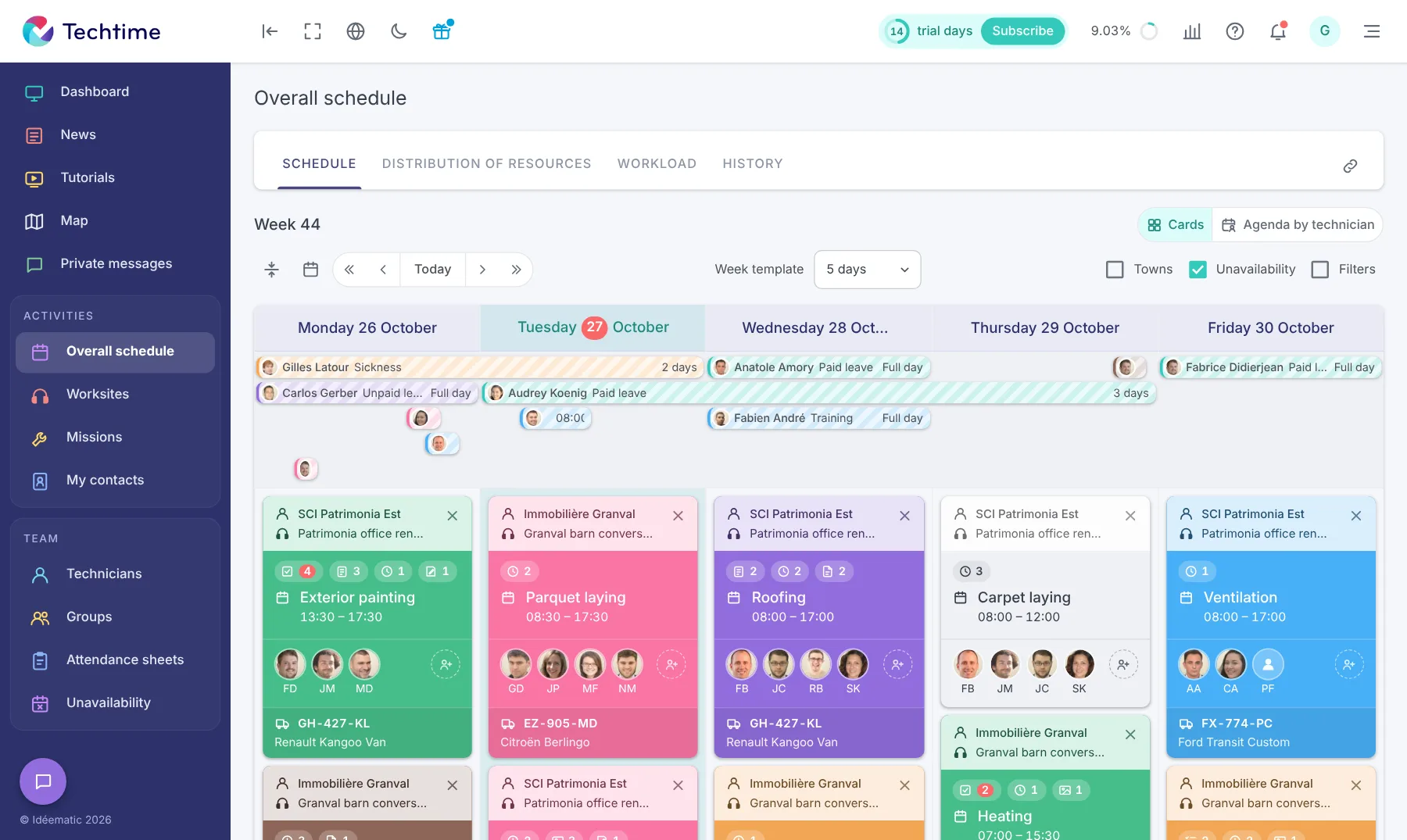
Thomas Cronimus: I use Techtime’s tools and features across the board, mainly for daily scheduling. That way, I can see, for example, whether a worker is assigned to a task, whether their day is full and whether they have enough work in progress. I can see where they went or, on the contrary, if they couldn’t get somewhere. I can also give each worker a few instructions before a job.
Techtime lets me handle this scheduling in the afternoon, calmly. Every evening, the employees already know where they’ll be the next day. It’s also more comfortable for them because they know what they’ll have to do, what equipment to bring and even whether they can go home for lunch. In short, they have access to all the information that matters to them.
How do you and your workers use Techtime?
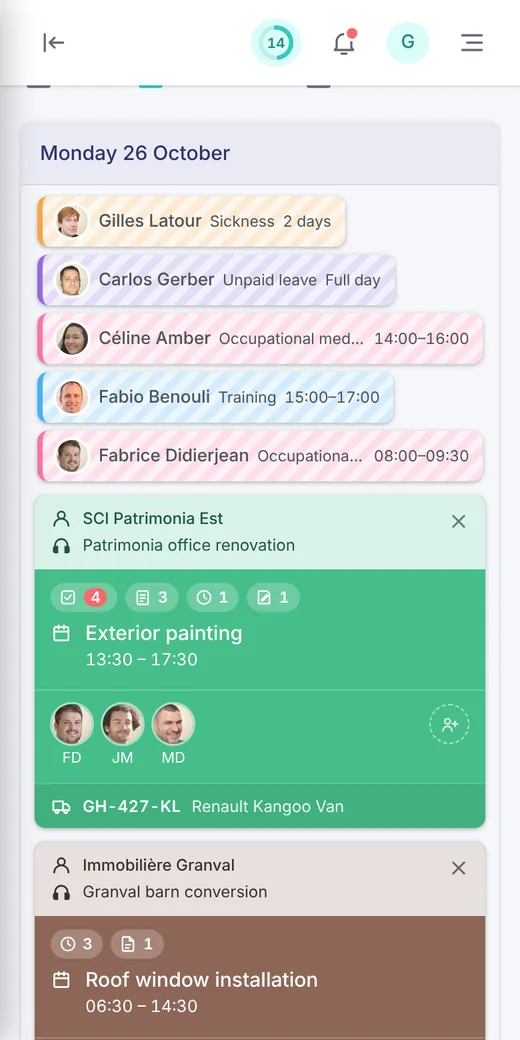
Thomas Cronimus: Personally, I do the daily scheduling exclusively on a computer, laptop or desktop. The workers receive their notifications via an app on their phones.
That way they know their schedules, their teams, the customer they’re working for, the vehicle and equipment to use, the customer’s instructions, the phone numbers of the customer and suppliers, the addresses and so on.
Everything that used to be done and passed on by hand, written on scraps of paper, is now in the app. And it works really well. It’s simpler and more precise.

- Instructions given from memory every morning
- Notes on scraps of paper
- Risk of forgetting: codes, vehicle, equipment
- Schedule prepared the day before on the computer
- Notifications on the workers’ phones
- Addresses, instructions and contacts at hand
Have you seen an increase in productivity since you started using Techtime?
Thomas Cronimus : In practice, since everything is written down in black and white in the app, everything is more thought through and the organisation is better than before. It’s much easier to plan everything than to keep it all in your head and, inevitably, risk forgetting important things.
It lets us know exactly what we have to do in three weeks, a month or three months, depending on the deadline. We know our workload, so we can quickly tell whether we can take on a job, whether we’ll need help, and so on.
For their part, the employees are more involved. They see that everything is organised and squared away. So they have to keep up too. There are fewer scheduling problems and fewer mistakes. That matters especially when you know some apprentices are still at school.
There is another important factor to consider: the replaceability of the business owner, who is the key person but should ideally be as little of one as possible. With Techtime, I could easily hire someone, train them and delegate the scheduling to them.
That can free up time for other tasks, such as marketing, or even for resting. Nobody ever talks about it, but being able to do nothing, step back and rest is still an issue. It can, for example, reduce the risk of burnout.
Frequently asked questions
How does Toma Peinture use Techtime?
Thomas Cronimus prepares the daily schedule on his computer in the afternoon. His workers receive notifications on their phones: schedule, team, customer, vehicle, equipment, instructions, addresses and useful numbers.
What has Techtime changed for Toma Peinture?
The manager no longer has to keep everything in his head, the employees have all the information the day before, the organisation is more thought through and there are fewer scheduling mistakes. The workload is visible several weeks ahead.
Can Techtime be used to delegate scheduling?
Yes. According to Thomas Cronimus, he could hire someone, train them and hand over the scheduling, to free up time for other tasks or to rest.