

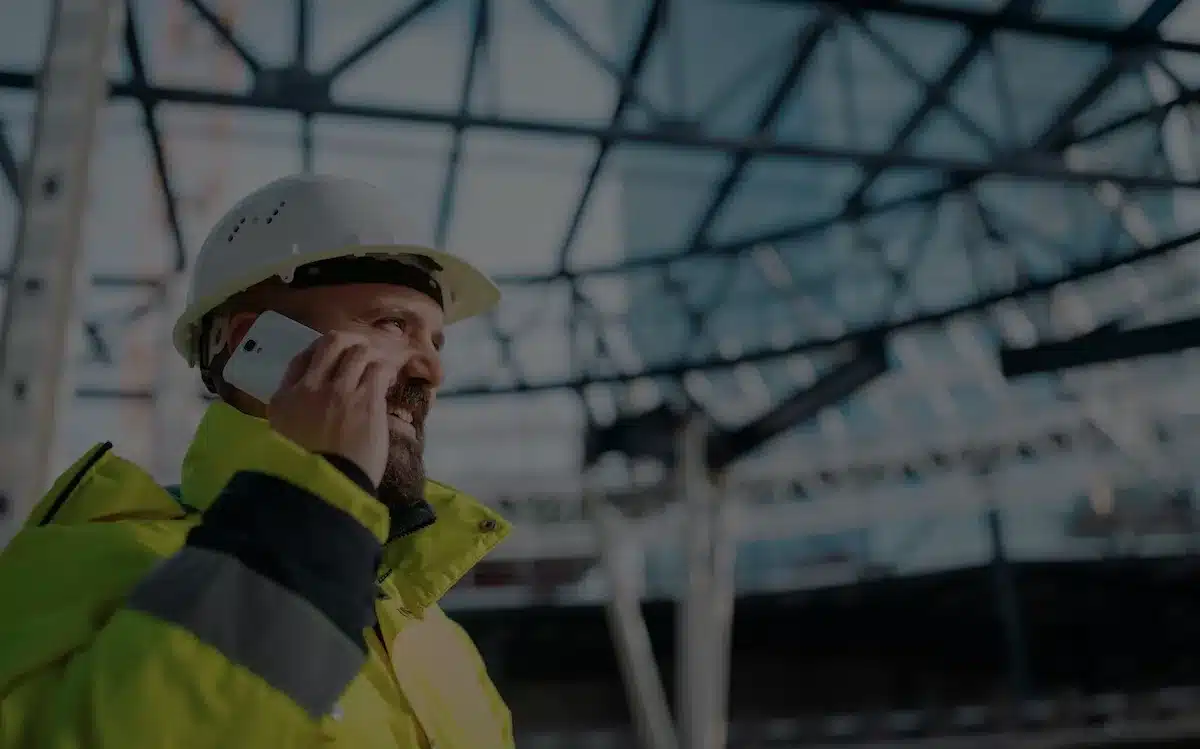
Whether an architect, a site manager or part of an engineering firm, the project manager plays a vital role in worksite management. They coordinate the different phases of the project to meet the deadlines, budget and quality expected by the client. Yet the building sector is setting these project leads increasingly demanding challenges:
- A constant search for ways to improve productivity;
- Changing regulations and tougher environmental standards (energy renovation, BBCA label);
- Shortage of skilled labour in construction;
- Stricter rules to ensure safety on a worksite;
- etc.
To handle all these responsibilities, the project manager needs to centralise information, automate certain crucial tasks and simplify communication. Worksite tracking software has all the technology needed to become an essential digital assistant. Here are the 6 key features that software for construction project management needs.
In brief
The project manager coordinates many contractors, often on several worksites in parallel. Worksite software helps them centralise information and automate repetitive tasks thanks to six key features: task planning with dashboards, electronic document management (EDM), technical monitoring with monitoring sheets and inspection reports, instant messaging between stakeholders, budget tracking with overrun alerts, and artificial intelligence to anticipate delays and automate reports.
Schedule synchronised in real time, and dashboards
Centralised, secure, versioned EDM
Monitoring sheets and inspection reports
Instant messaging between all stakeholders
Expenses tracked and overrun alerts
Anticipate, detect, automate
1Task planning: the heart of project management software
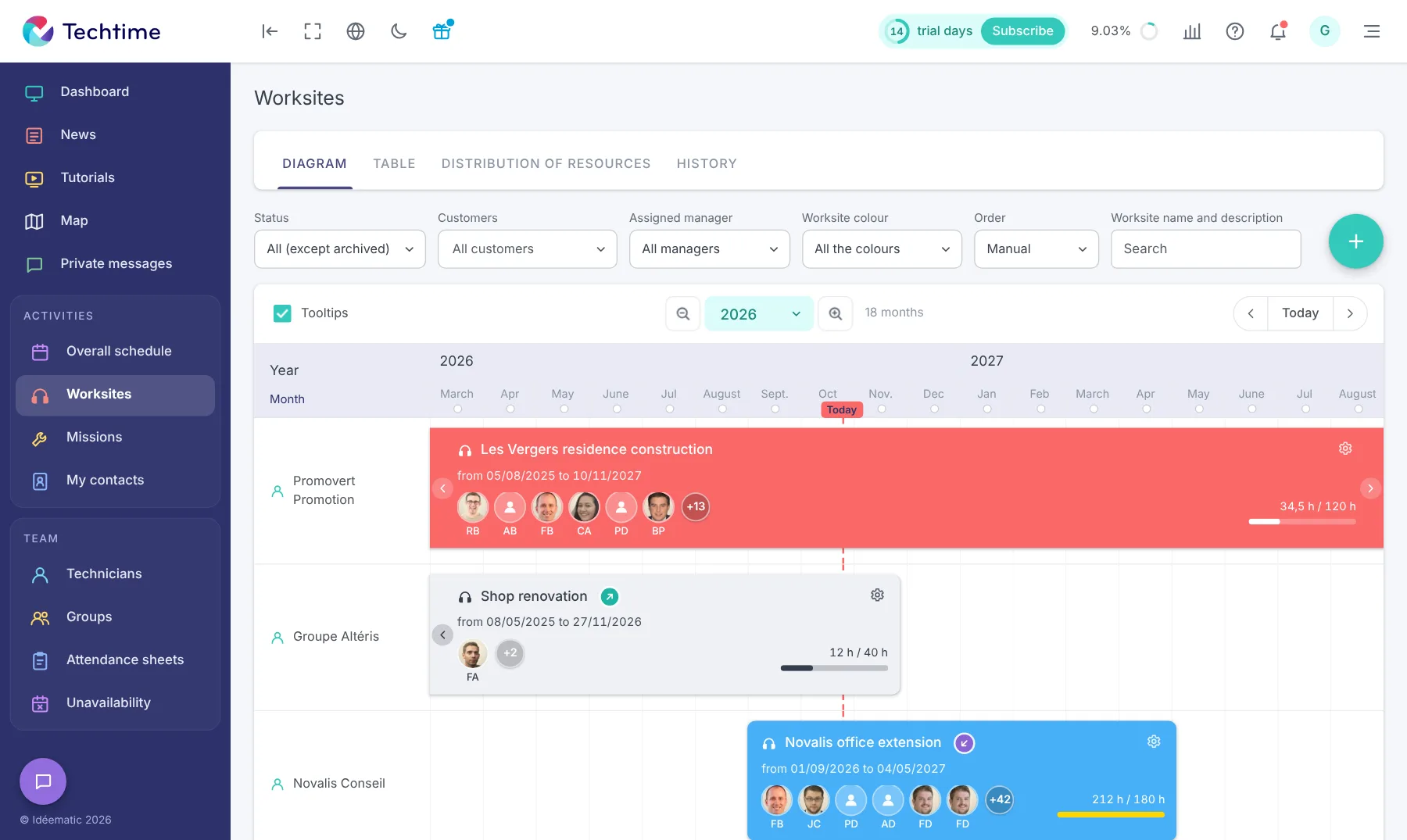
The project manager supervises several worksites in parallel. The risk of errors or misunderstandings grows with the number of contractors on the various projects. That is why the project lead needs a clear, up-to-date overview through an intuitive dashboard.
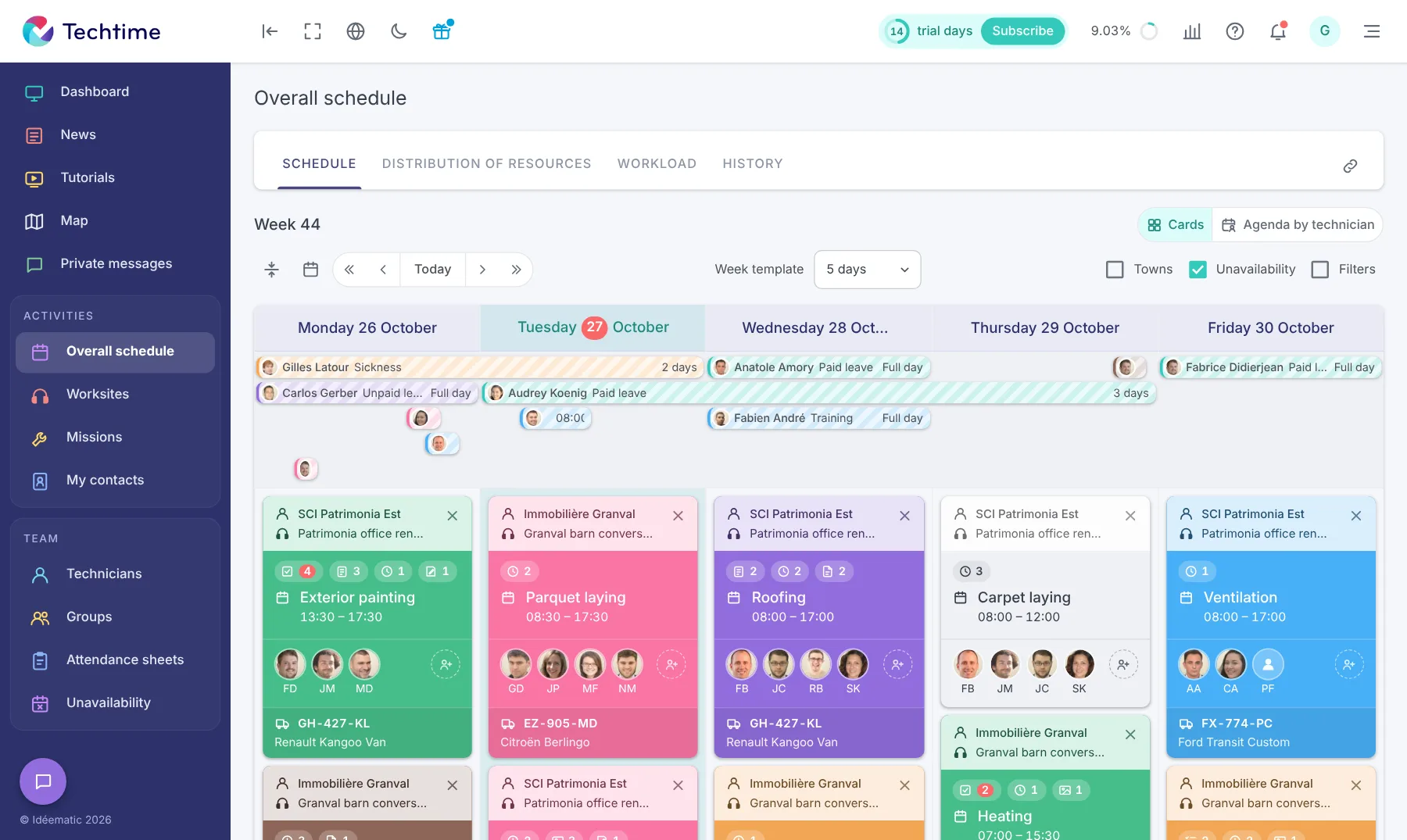
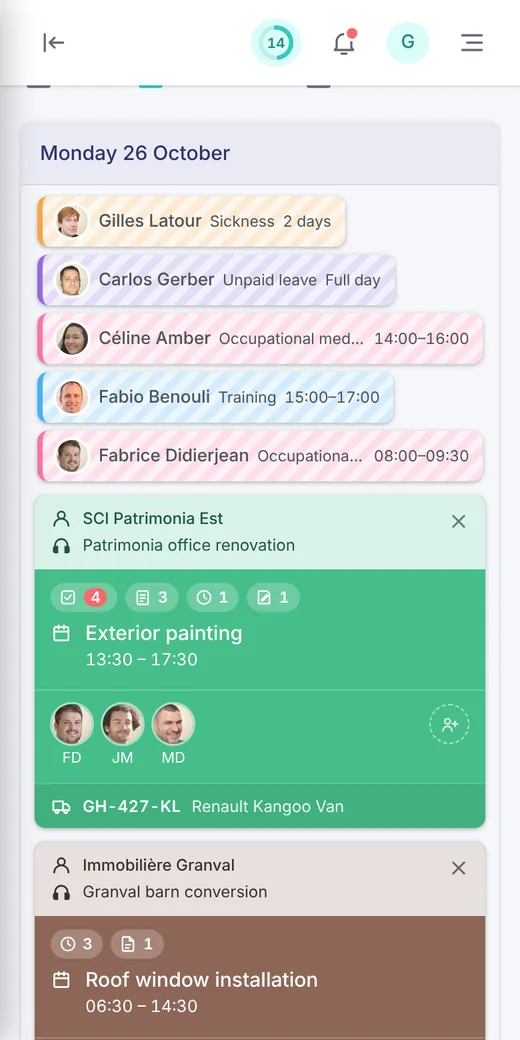
This gives access to the worksite schedule synchronised in real time. The project manager follows the overall progress of the worksite, with the important tasks to be done, who is handling them and their deadlines. If someone is absent or a critical task is delayed, the project manager reorganises the schedule and resources accordingly. Notifications sound on mobile phones suited to worksites so that contractors can coordinate differently.
Project managers appreciate customisable dashboards that give a summary view of other key indicators such as:
- budget trends (difference between the amount allocated and the amount spent);
- the worksite’s profitability rate;
- the generation of automated reports for the client.
👉 Find out how Techtime makes construction schedule management easier
2Document management: centralisation and security
Worksite supervision generates a large number of documents, from several dozen to several hundred depending on the complexity of the project. Besides the schedule and site meeting minutes, there are mandatory documents such as:
- the construction contract;
- the professional liability insurance certificate;
- the prior declaration of works or building permit;
- the works handover report (often based on an official Cerfa form or equivalent).
- etc.
Most of these documents must be produced in the event of an inspection. The project manager has a duty to guarantee the technical and regulatory compliance of the worksite. They therefore need to be centralised in a single cloud accessible at any time.
Electronic Document Management (EDM) is a digital tool for collecting, storing, organising and sharing all this information. The space is only accessible to contractors who have been given access, including the project manager. They can view, annotate or edit a document before sharing their changes with the other stakeholders. Their rights depend on the roles assigned by the project lead, for editing or read-only access.
In addition, EDM must guarantee data confidentiality and traceability in line with the GDPR (General Data Protection Regulation). This obligation is also part of the legal retention rules.
Keeping a version history of documents prevents any loss of information or confusion. This digital trail is essential when remedial work has to be carried out or to protect yourself against possible worksite disputes.
Find out more about Techtime’s EDM
3Technical and operational monitoring: approving tasks remotely
The project manager ensures the schedule is kept and oversees worksite quality control. Using EDM and instant messaging, they create monitoring sheets from photos, comments and checklists. These sheets are intended only for the teams on the worksite, to ensure the technical and operational traceability of the project.
In addition to this day-to-day monitoring, the project manager must also produce inspection reports summarising the overall progress of the worksite. This report is intended for all project stakeholders (client, architect, companies, etc.). It also informs them of the decisions taken during the site meeting, to determine the actions still to be carried out.
Writing these mandatory documents can take time, as meticulousness is essential in the event of disputes. By centralising EDM information, software like Techtime can automatically create monitoring sheets or inspection reports. In a few clicks, the documents are sent to the teams on the worksite or to the project stakeholders respectively.
4Real-time communication between worksite stakeholders
Succeeding on the worksite through collaboration between tradespeople is an increasingly vital approach. That is why communication must be centralised to avoid any errors or loss of information.
On a dedicated instant messaging service, tradespeople pass important information directly to one another, such as remedial work to be done or late deliveries. Even amid worksite noise, automatic notifications make the phone vibrate or ring to alert its user quickly.
Thanks to all these written records, the project manager improves the project’s traceability and can make informed decisions more quickly. Not only can they guide their tradespeople remotely, they also stay in contact with the client, the architect and the other contractors. They share with them any document showing the worksite’s progress and can even have it approved using an integrated electronic signature.
Strengthen your collaboration between construction professionals with the worksite sharing between companies features.
5Budget and financial tracking: essential control for the project
The project manager is responsible for the financial control of the project. Thanks to the integration of enterprise resource planning software (ERP), worksite tracking software can track spending by item or work package. Several operations are automated using the data available in the EDM, such as:
- How to calculate worksite prices and margins
- Electronic invoicing in construction;
- Chasing an unpaid invoice in construction in two stages;
- Calculating direct costs;
- Price revision in construction.
If the budget is exceeded, the project manager receives tailored alerts to prevent any risk of overrun.
6Integrating AI to automate worksite management
Across all the services presented above, Artificial Intelligence is increasingly built into worksite tracking software to optimise operational management. It continuously collects and analyses different types of data (schedule, weather, photos, minutes, etc.) to generate alerts and suggest automatic actions.
Here are some concrete use cases for AI in worksite tracking software thanks to Machine Learning:
- Predicting delays and risks related to supplies or the impact of the weather on worksites;
- Detecting anomalies by comparing worksite photos with BIM plans;
- Automatically generating a complete worksite report by analysing monitoring sheets, instant messaging exchanges or documents in the EDM;
- Optimising the allocation of teams, equipment and materials by analysing past performance and future needs;
- Improving safety on a worksite by analysing recurring incidents or automatically detecting missing protective equipment.
Delays, supplies, weather
Anomalies between site photos and BIM plans
Worksite report generated automatically
Teams, equipment and materials
Recurring incidents, missing PPE
With Zapier, Techtime aims for efficiency, time savings and fewer errors by synchronising our software with thousands of other applications.
Conclusion
Faced with increasingly complex projects and pressure on deadlines, quality and costs, the project manager can no longer make do with isolated tools. Modern worksite tracking software brings together all the levers needed to run operations effectively and strengthen collaboration between stakeholders.
An all-in-one solution offers a complete, precise view of the project through several features:
- Task planning;
- Document management;
- Budget tracking;
- Real-time communication.
The integration of AI marks a new stage, as it makes it possible to anticipate delays, detect anomalies and automate report creation. All these possibilities save project leads valuable time.
With Techtime, equip yourself with a true digital assistant and turn worksite management into a smooth, collaborative and predictive process. It is a decisive asset for tackling the challenges of construction in 2025 and beyond.
Frequently asked questions
What features should you expect from worksite software for project managers?
Task planning synchronised in real time, electronic document management, technical monitoring (monitoring sheets, inspection reports), instant messaging, budget tracking with overrun alerts and, increasingly, artificial intelligence.
Why use EDM on a worksite?
A worksite generates anywhere from several dozen to several hundred documents, many of which must be produced in the event of an inspection. EDM collects, stores, organises and shares them, keeping the version history and data traceability.
How does AI help manage a worksite?
It can predict delays related to supplies or the weather, detect anomalies by comparing worksite photos with BIM plans, automatically generate reports, optimise the allocation of teams and equipment, and improve safety.